
Agencies and teams
Set up your workspace: time zone, defaults, markets, images and team
The settings that shape every post: your time zone, the default writing style and tone, the countries you sell in, image compression and who in your team can do what.
In short
Set these once when you start. Every campaign and post then uses them, and you can still change them for a single campaign or post.
-
Time zone and workspace name
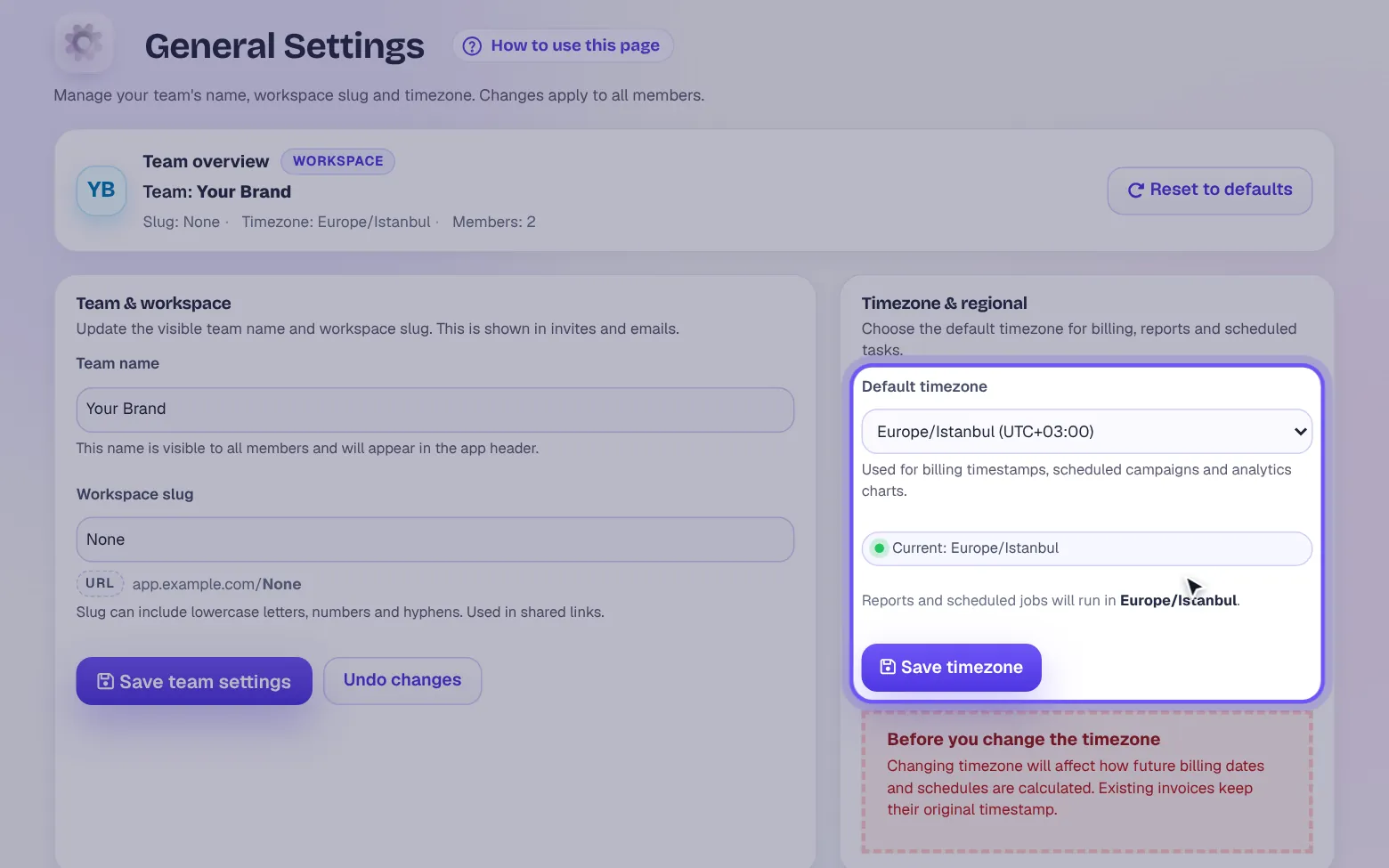
System → General Settings holds the workspace name and the default time zone. Every schedule and calendar uses this time zone, so set it before you plan posts.
-
Content defaults
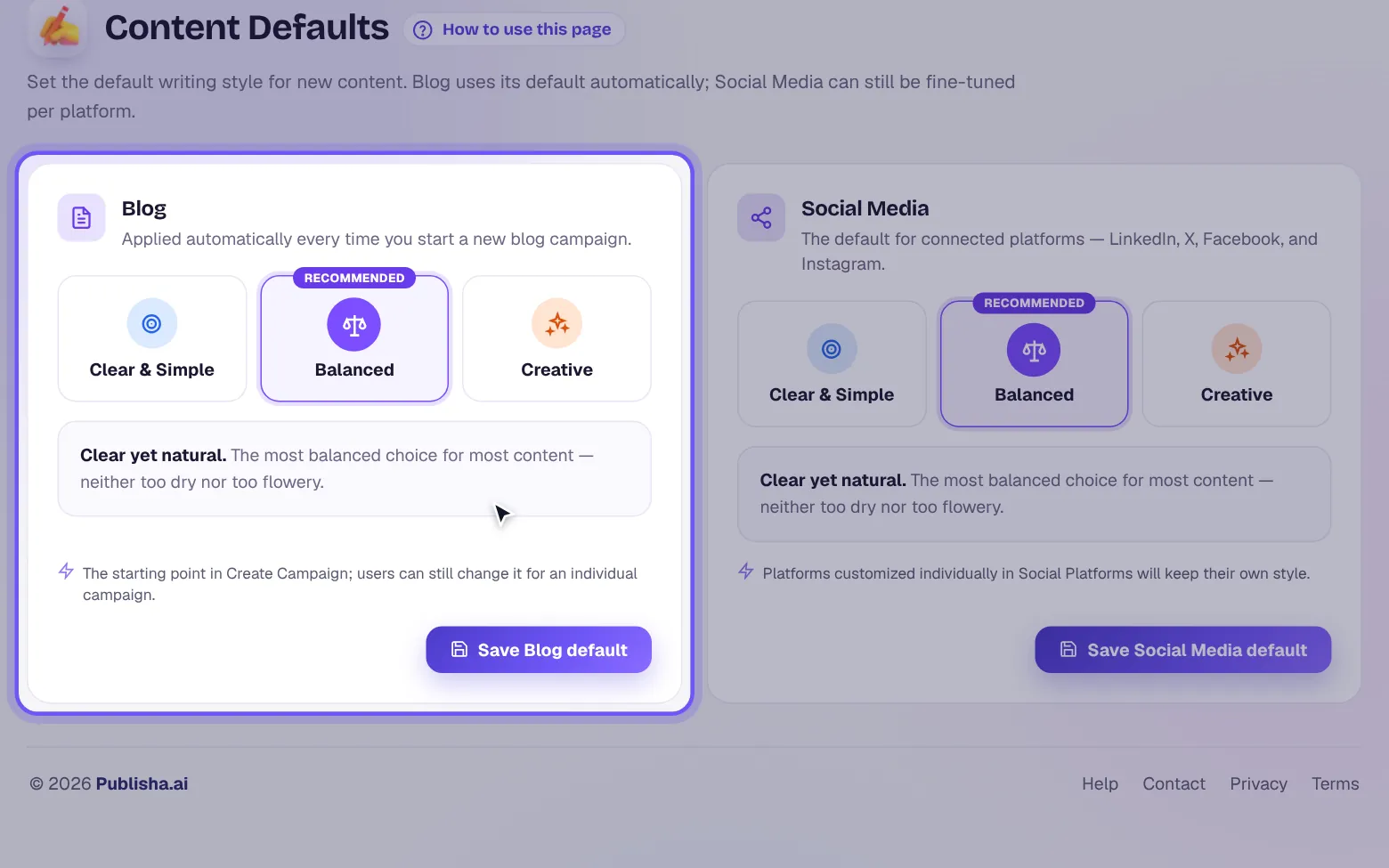
System → Content Defaults sets the writing style and tones new blog and social campaigns start with, so you don’t pick them every time.
-
Markets
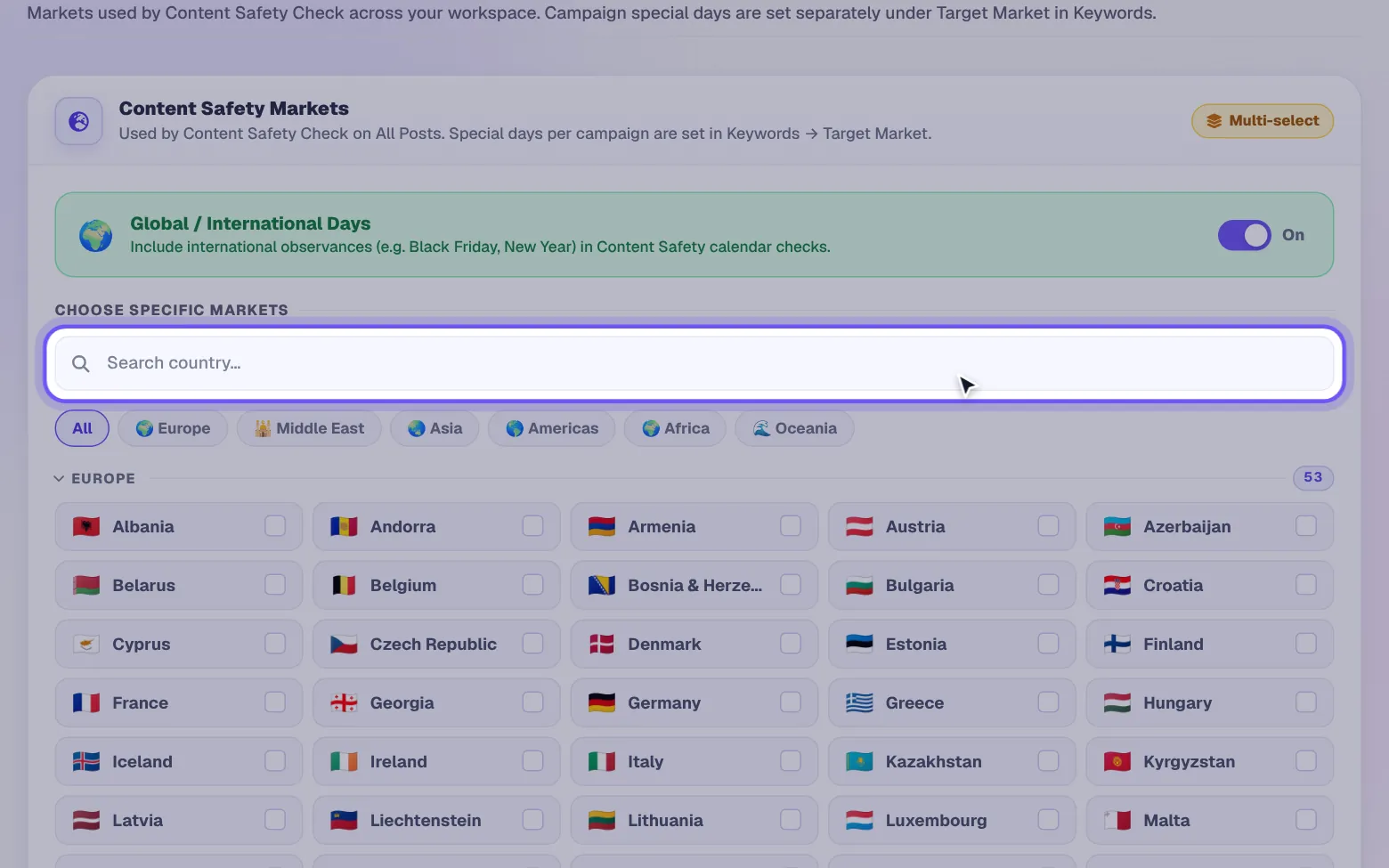
System → Market Preferences lists the countries you sell in. They decide which special days are suggested, which trends are followed and which current events the safety check watches.
-
Blog image optimization
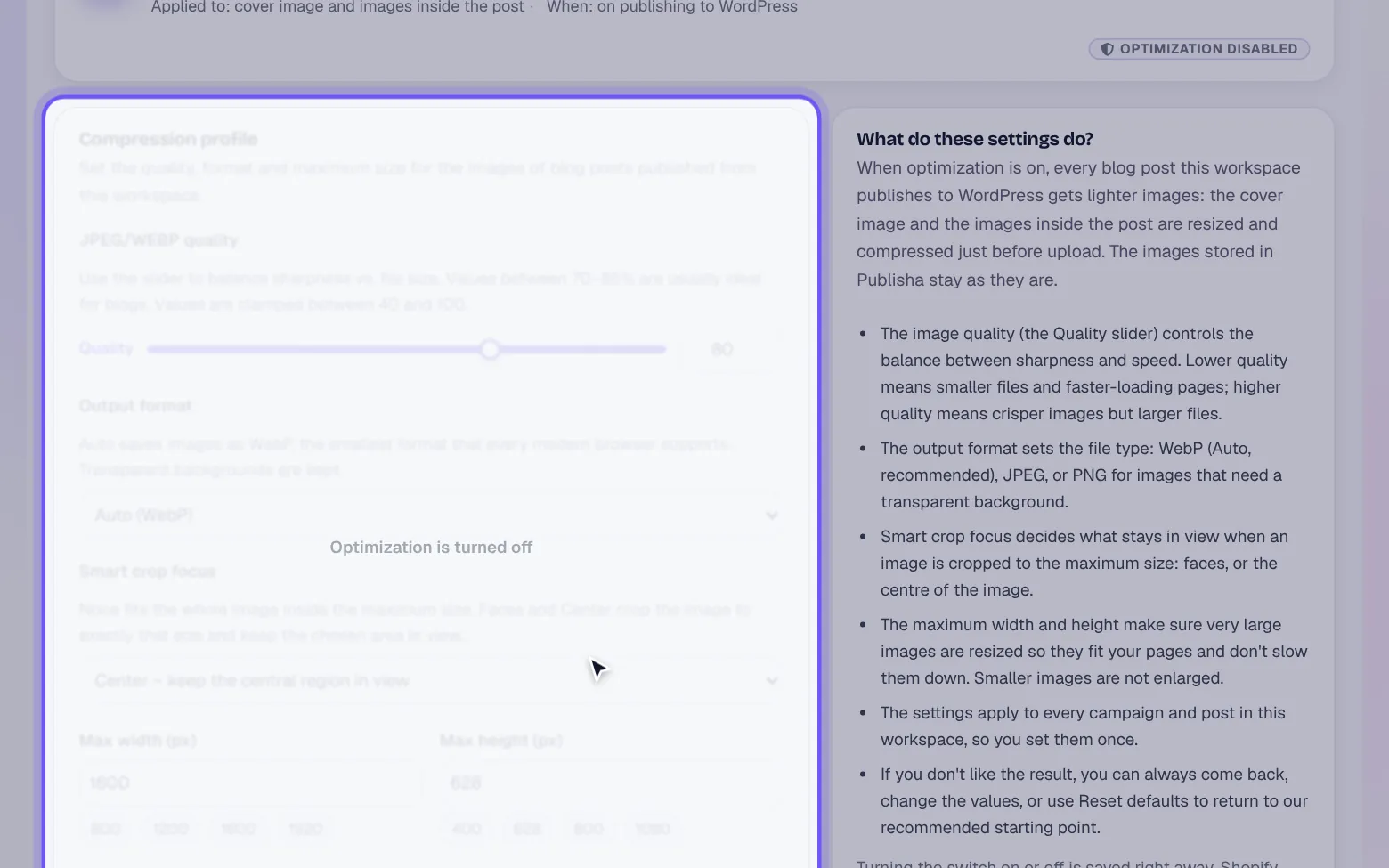
System → Image Optimization compresses and resizes images before they go to your blog: quality, format (WebP is smallest), maximum width and height and the crop focus. It applies to posts published after you save.
-
Team members and roles
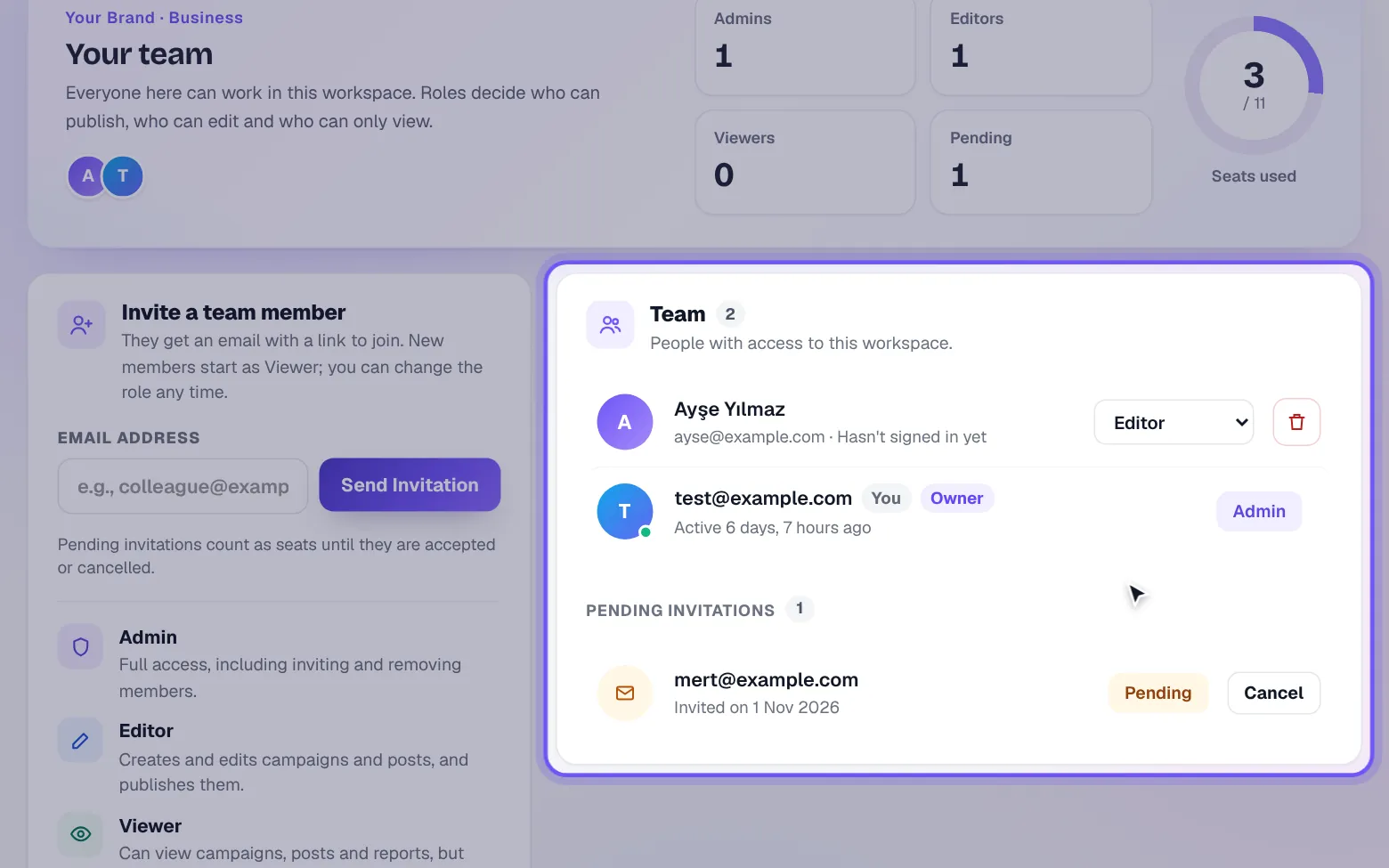
System → Members invites people by e-mail. Admins manage settings, channels and billing; Editors create and publish; Viewers can look but not change anything.
Questions
Where do I see how much of my plan is used?
Billing → Usage shows outputs, AI assist, images and research lookups used this month, per workspace.