
Automate your content
Create an automated social media campaign
Plan once and Publisha writes and publishes posts for LinkedIn, X, Facebook, Instagram, Threads, TikTok, YouTube and Pinterest on a schedule.
In short
A social campaign works like a blog campaign, for your social accounts: one set of topics and one schedule, and Publisha writes a post for each network in its own style and length.
-
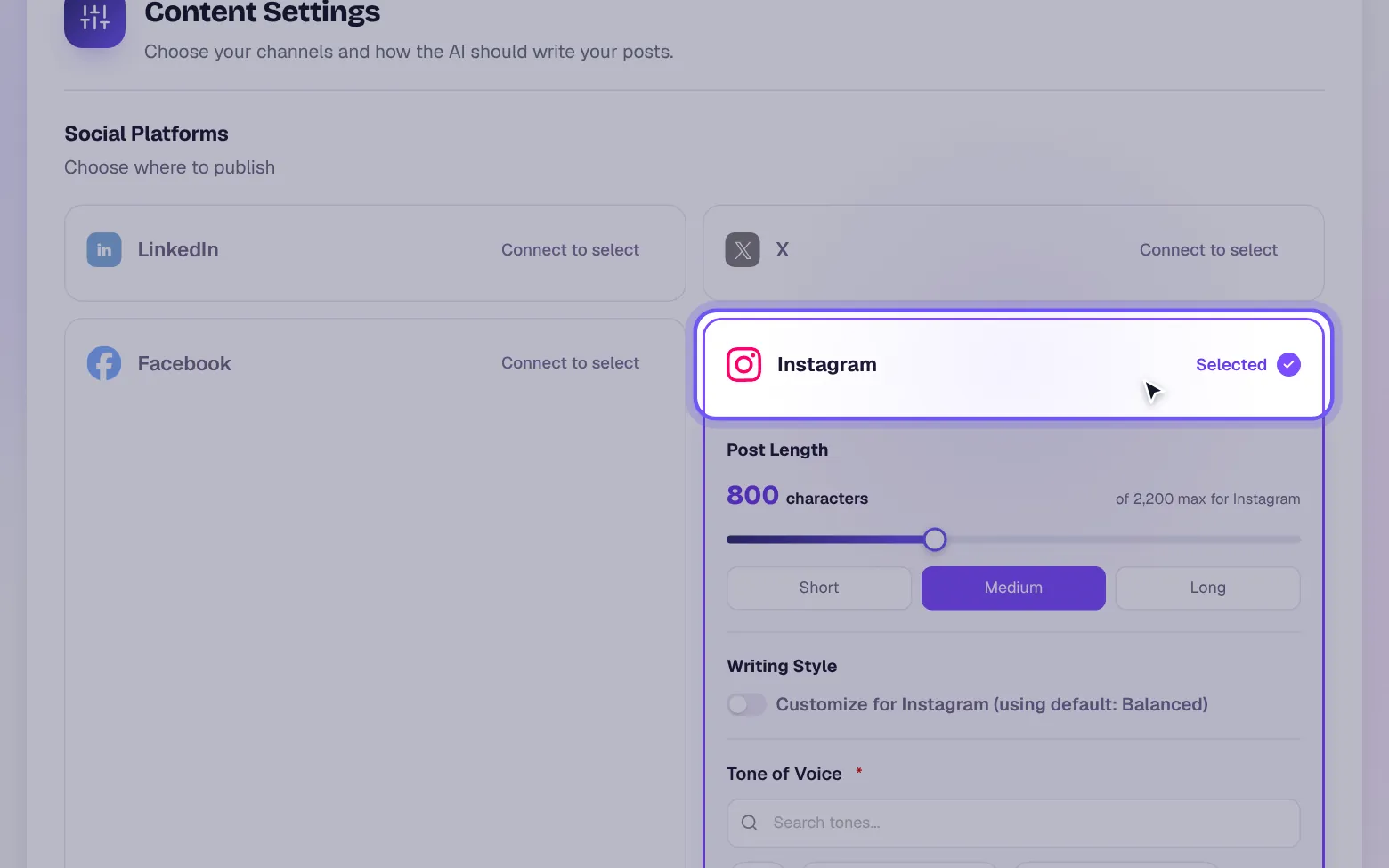
Step 1 · Choose the networks
Select the connected accounts to post to. Greyed-out networks still need connecting. Then choose the tone and writing style.
-
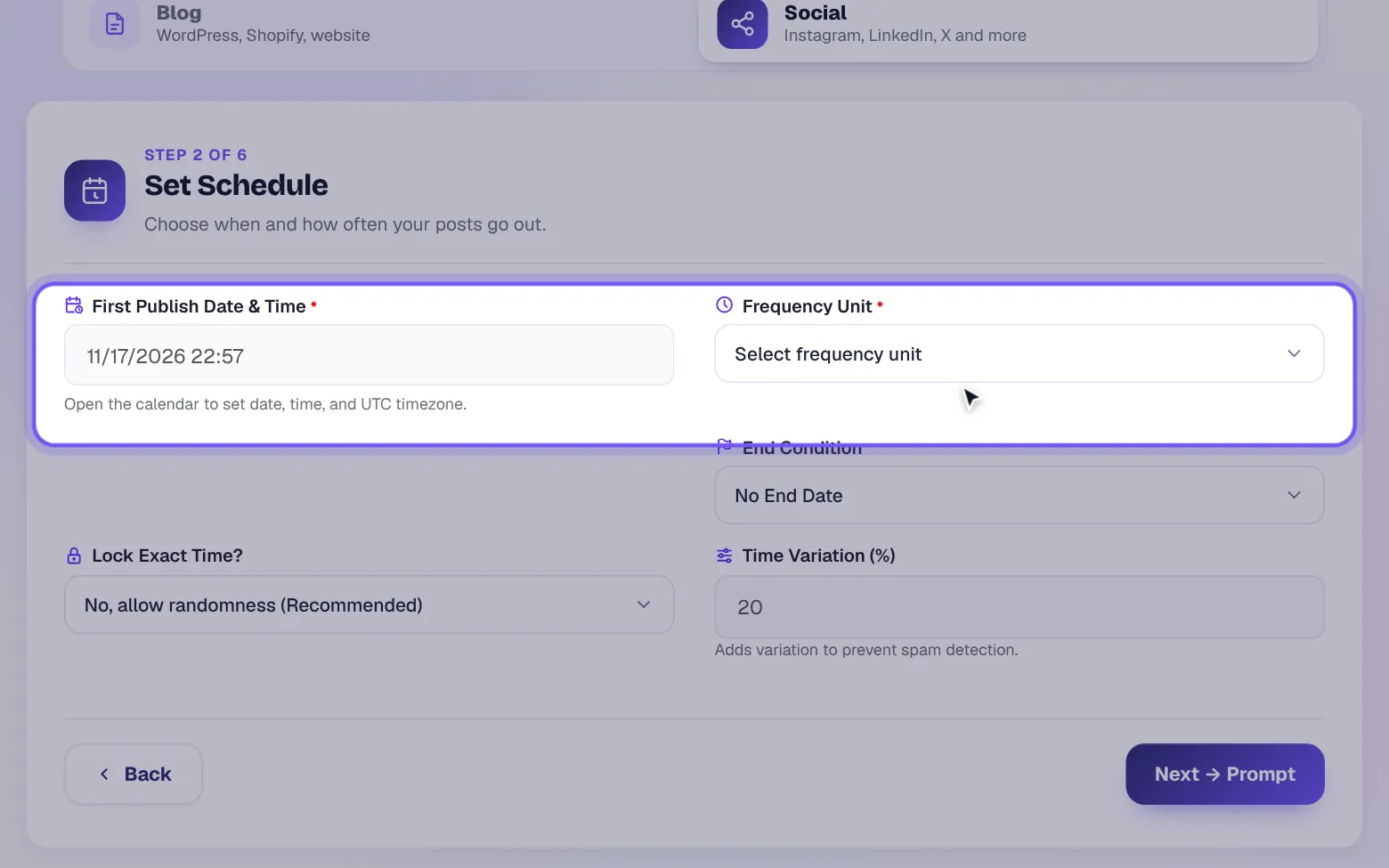
Step 2 · Schedule
First post date, how often, when to stop and natural time variation: the same choices as for a blog campaign.
-
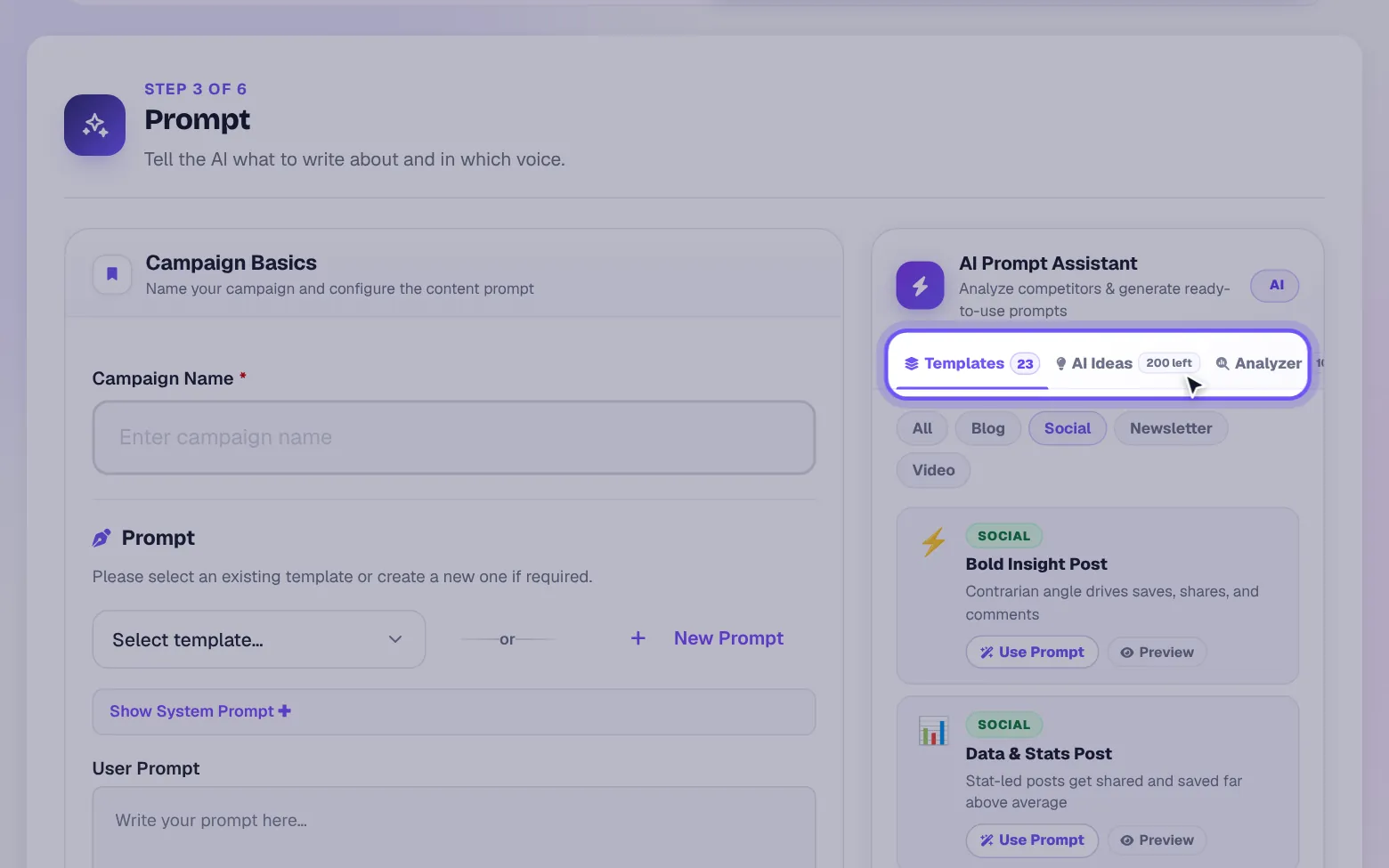
Step 3 · Prompt
Name the campaign and pick a prompt, such as “LinkedIn post” or “Tweet thread”, or write your own. Each network keeps its own length limit automatically.
-
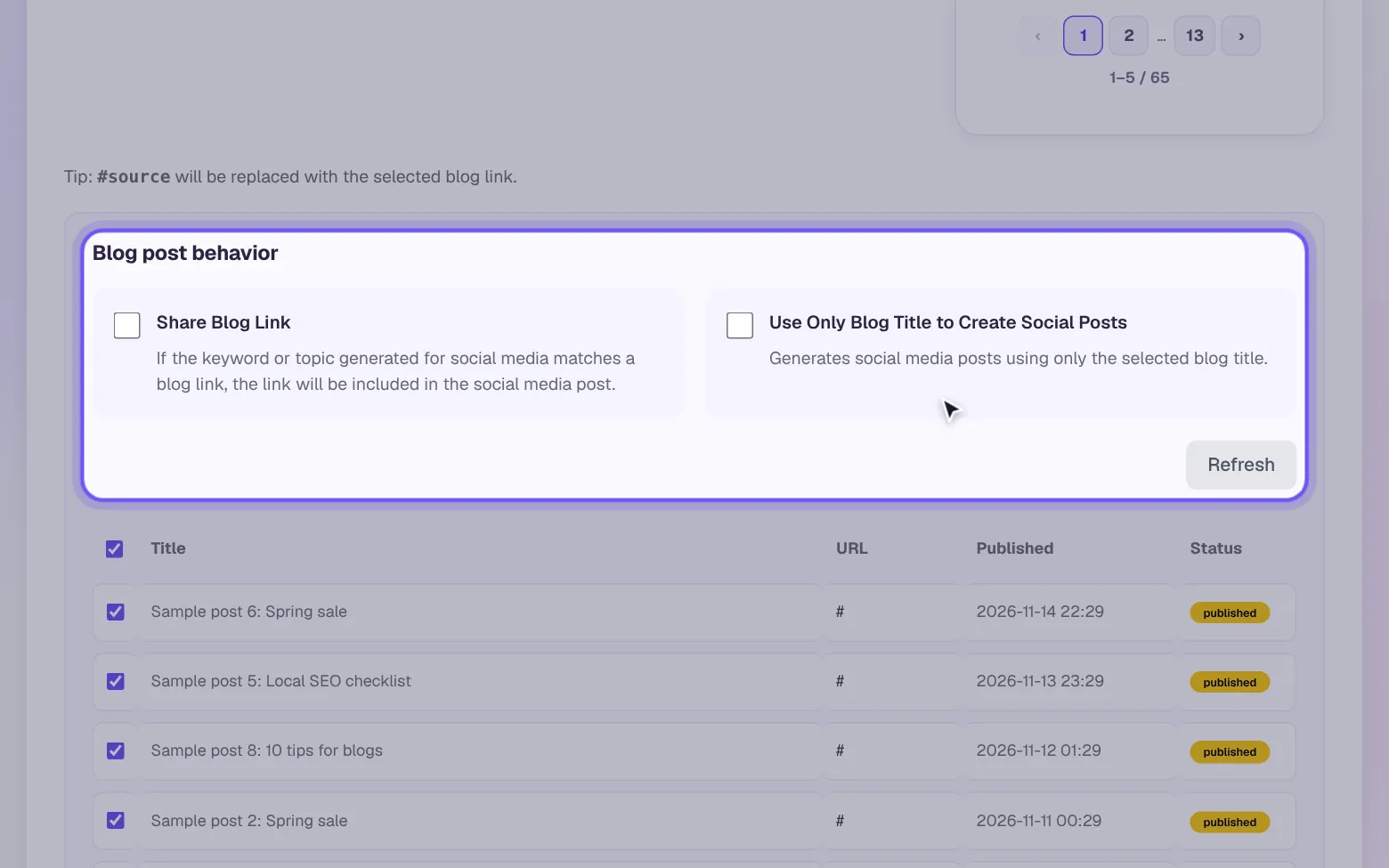
Step 4 · Keywords
Add one topic per post: typed, pasted, from a file or from the idea tools. Special days can be pinned to their date.
-
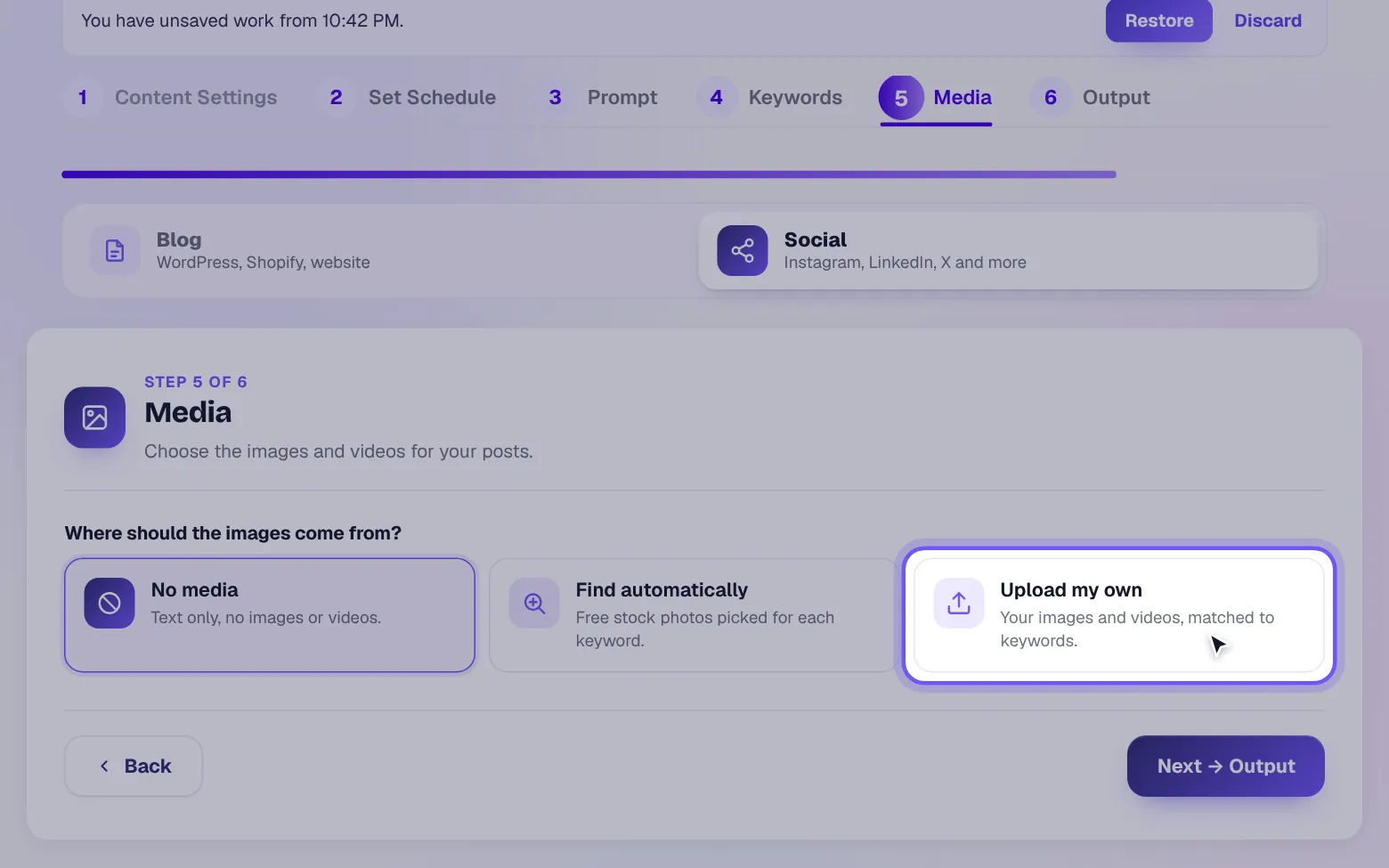
Step 5 · Media
Instagram, TikTok, YouTube and Pinterest need an image or a video. Choose free stock photos found per topic, or upload your own.
-
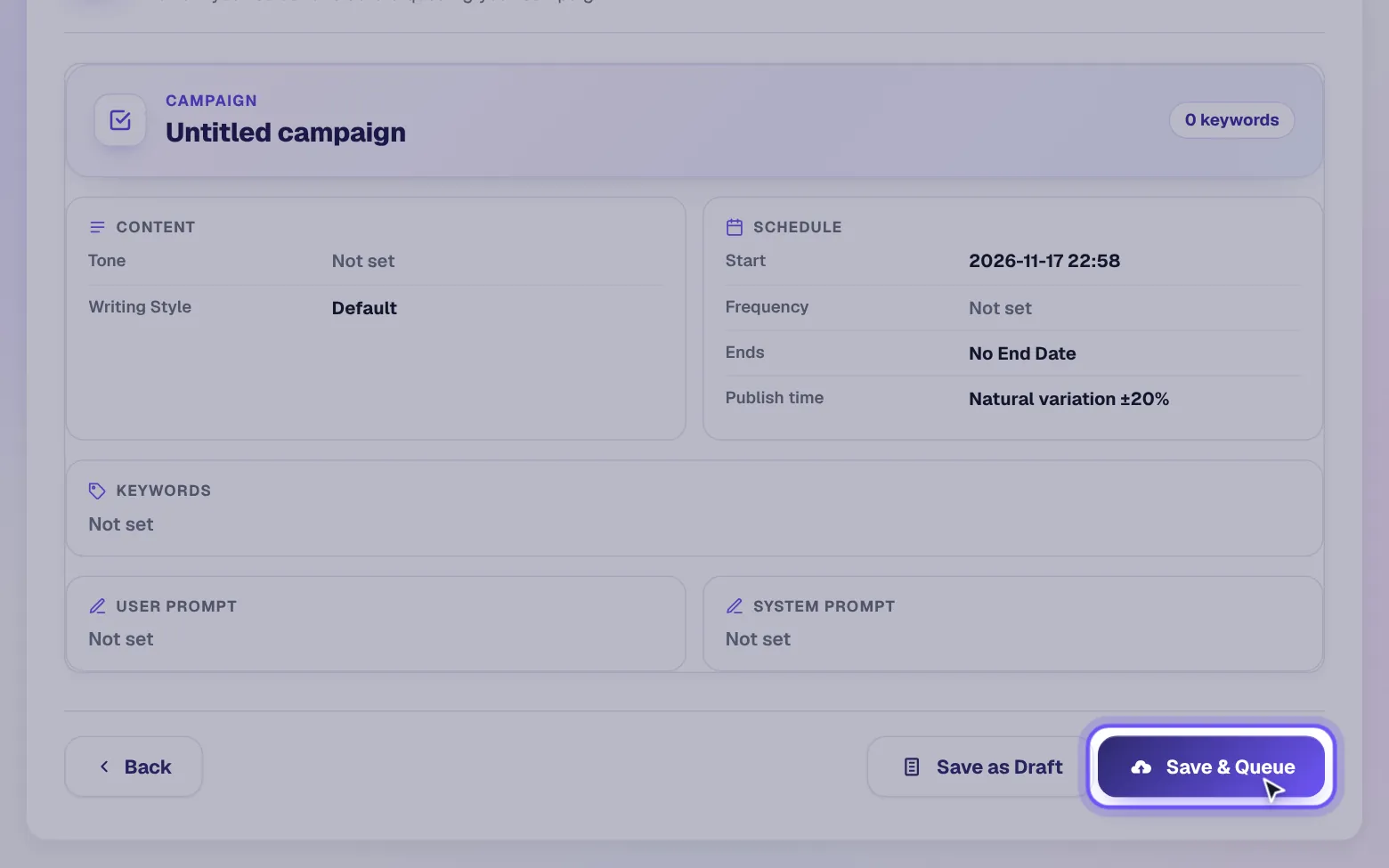
Step 6 · Review and start
Check the summary and click Save & Queue to start, or Save as Draft to start later.
Questions
Does every network get the same text?
No. Each post is written for its network: shorter for X, more professional for LinkedIn, with hashtags where they help.
What happens if a network is disconnected?
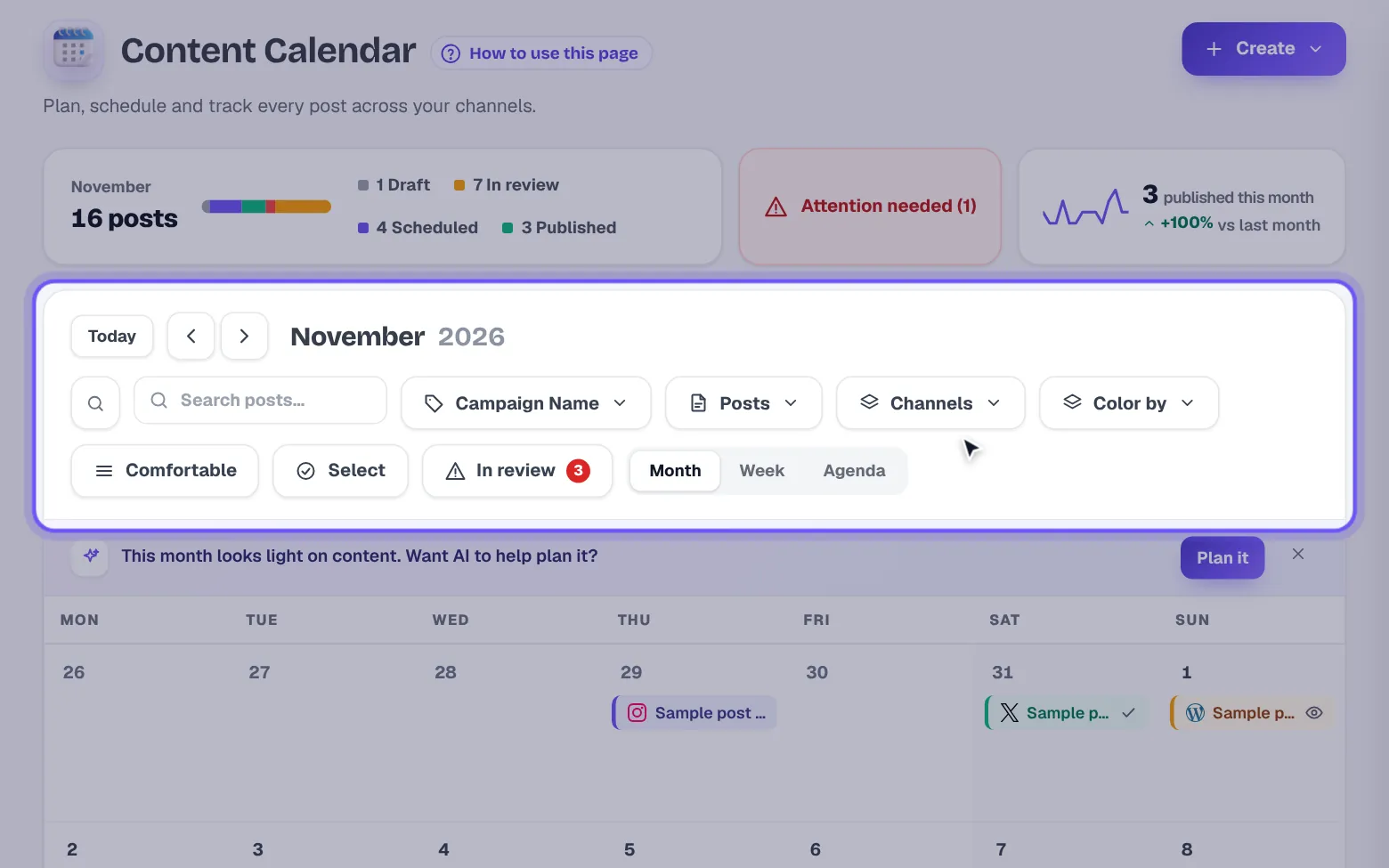
Its posts appear under “Attention needed” in the Content Calendar. Reconnect the account in Integrations and click Retry.