

Guides
How to automate your blog and social media with Publisha
Step-by-step guides with real screenshots for every part of Publisha: from connecting your site to automated campaigns, single posts, images, research and AI visibility.
Getting started
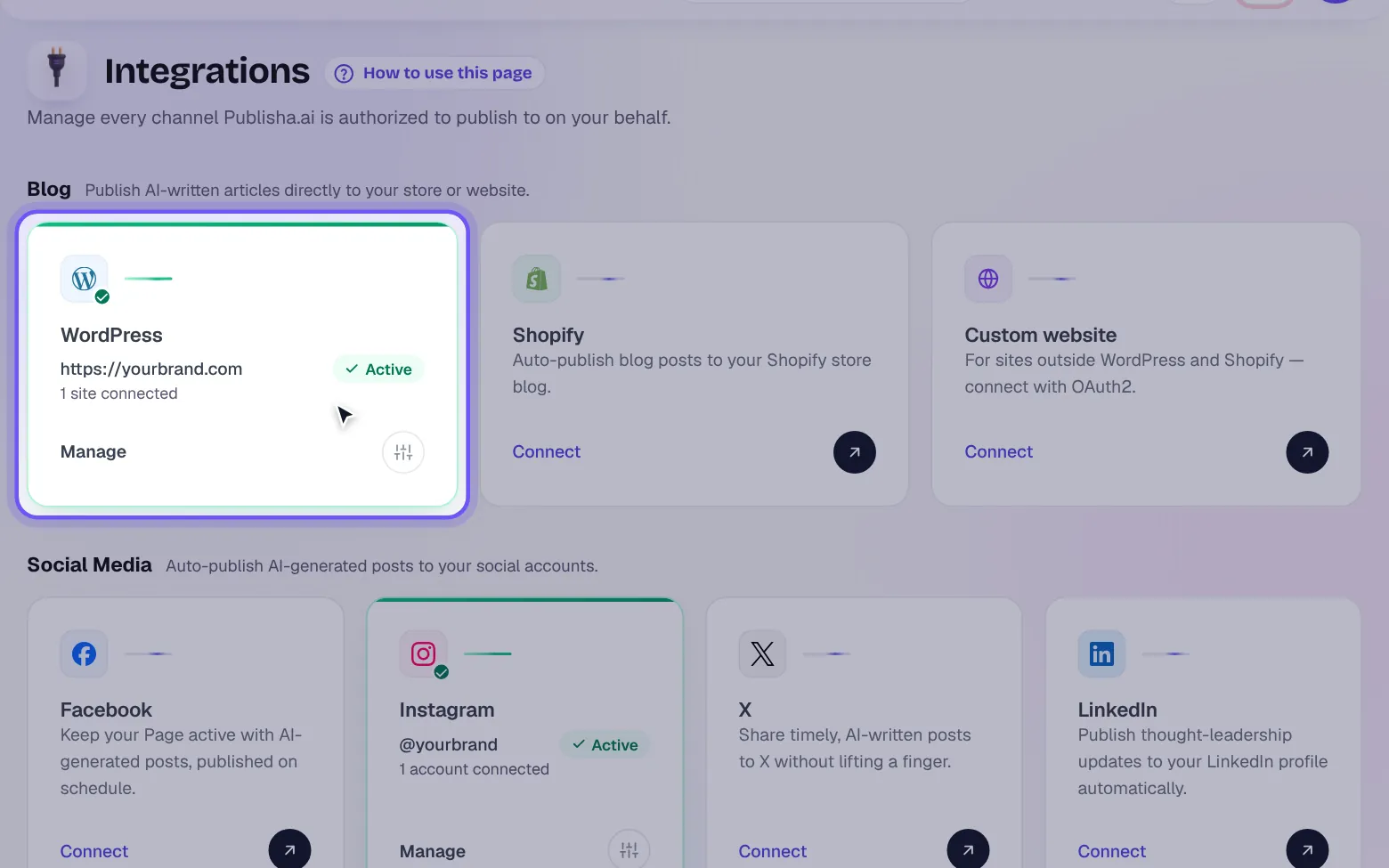
Automate your content
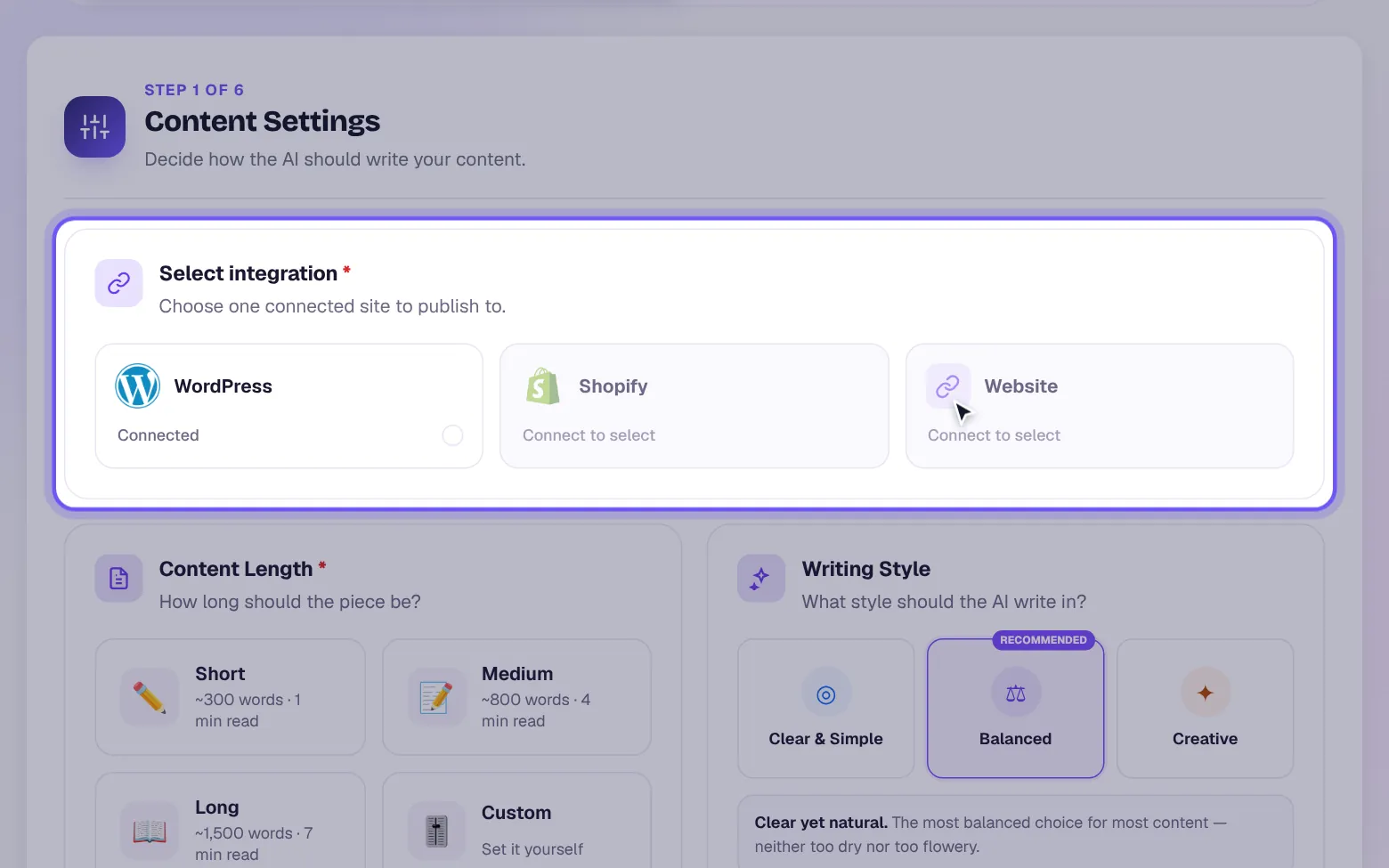
Create an automated blog campaignSet up a blog campaign once: Publisha writes SEO articles from your keywords and publishes them to your site on your schedule.
6 min read · 6 steps
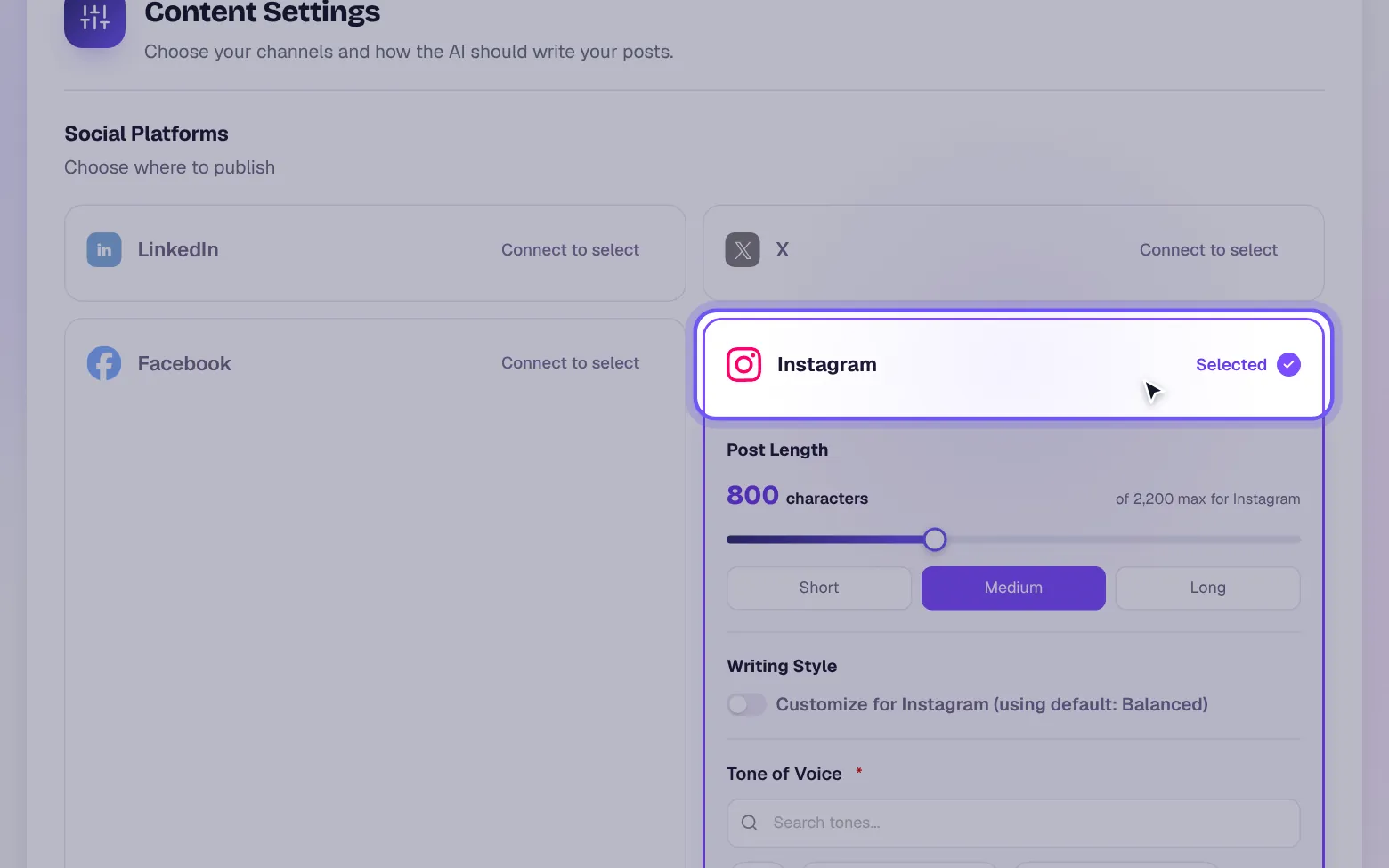
Create an automated social media campaignPlan once and Publisha writes and publishes posts for LinkedIn, X, Facebook, Instagram, Threads, TikTok, YouTube and Pinterest on a schedule.
5 min read · 6 steps
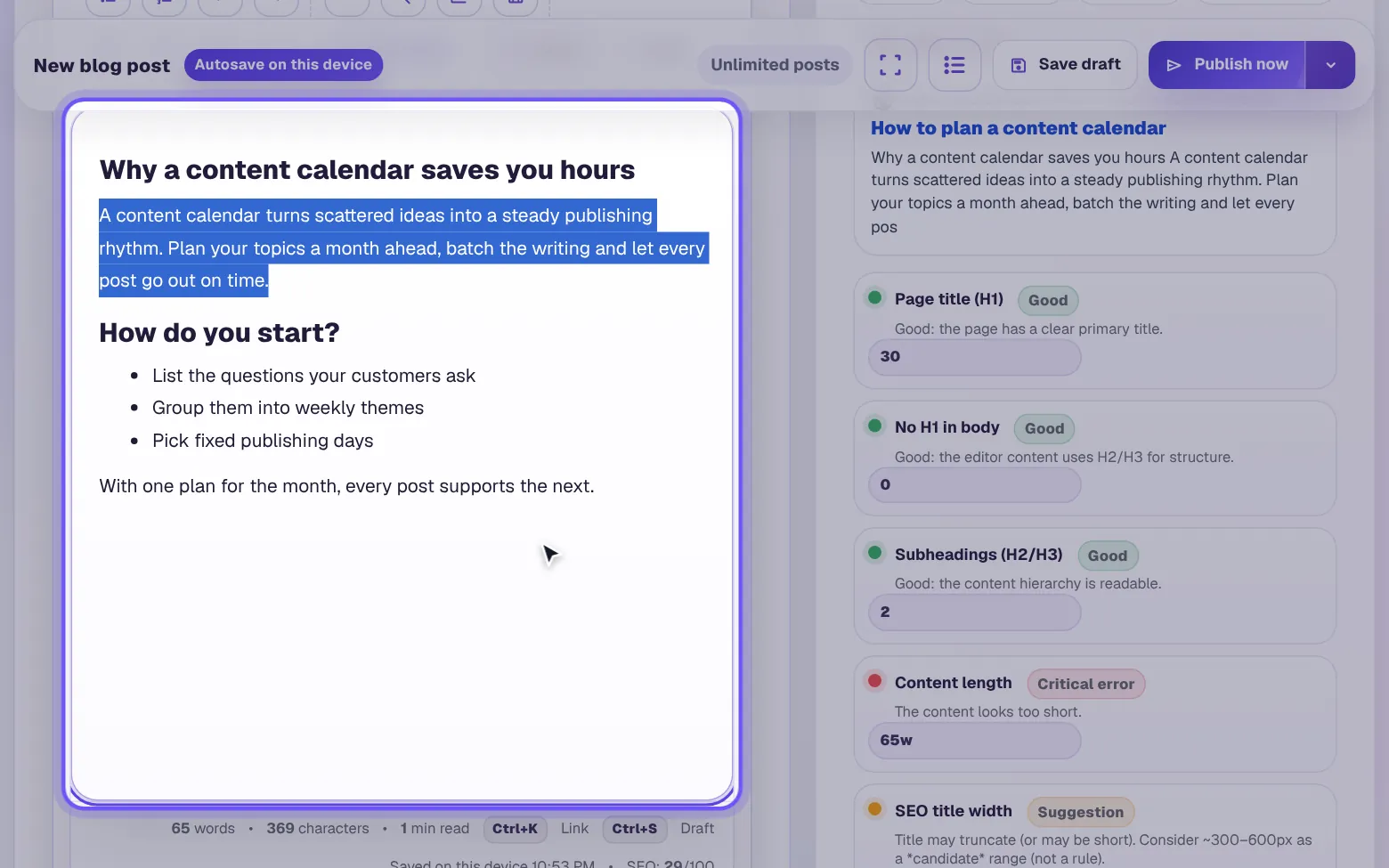
Write and schedule a single post (and how it differs from a campaign)Write one blog article or one social post yourself with AI help, publish it now or schedule it, and learn when to use a campaign instead.
5 min read · 5 steps
Plan and manage
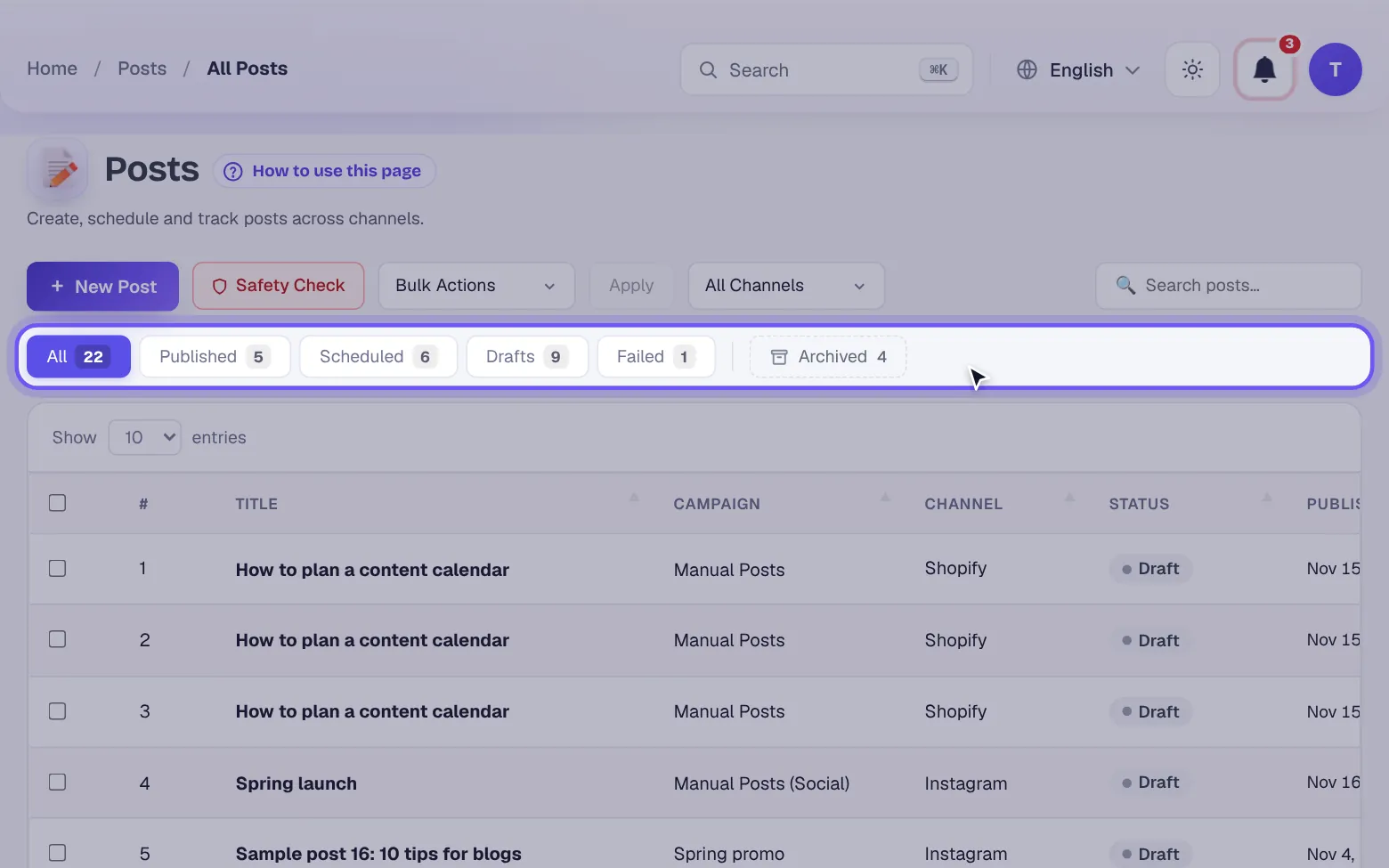
Manage all posts: statuses, edits, retries and the safety checkSee every post from every campaign and channel in one list, filter by status, edit, publish, retry failed posts and pause during sensitive events.
3 min read · 3 steps
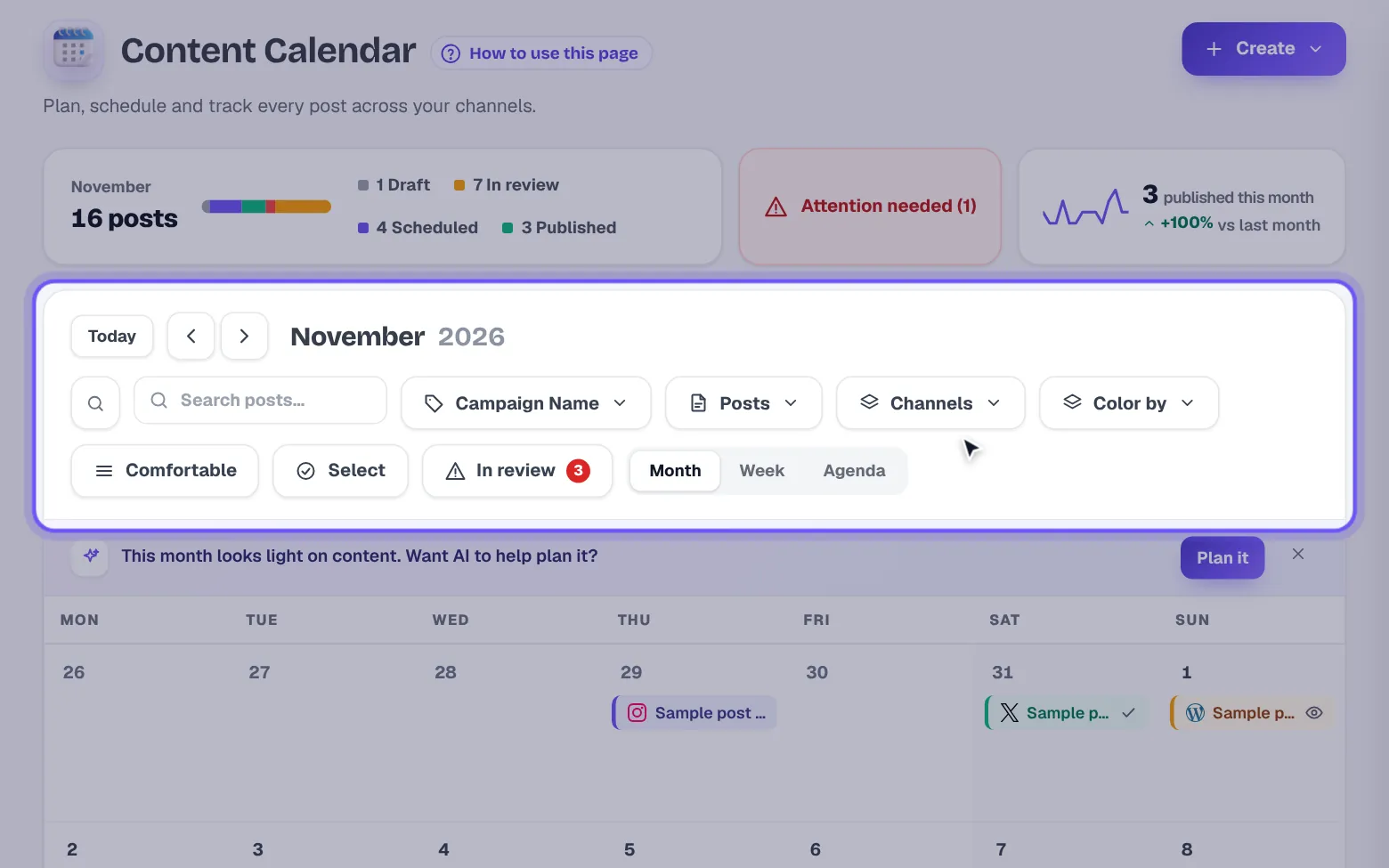
Plan with the Content CalendarSee every planned and published post by month, week or list, drag to reschedule, approve posts waiting for review and fix the ones that need attention.
3 min read · 3 steps
Create
Grow
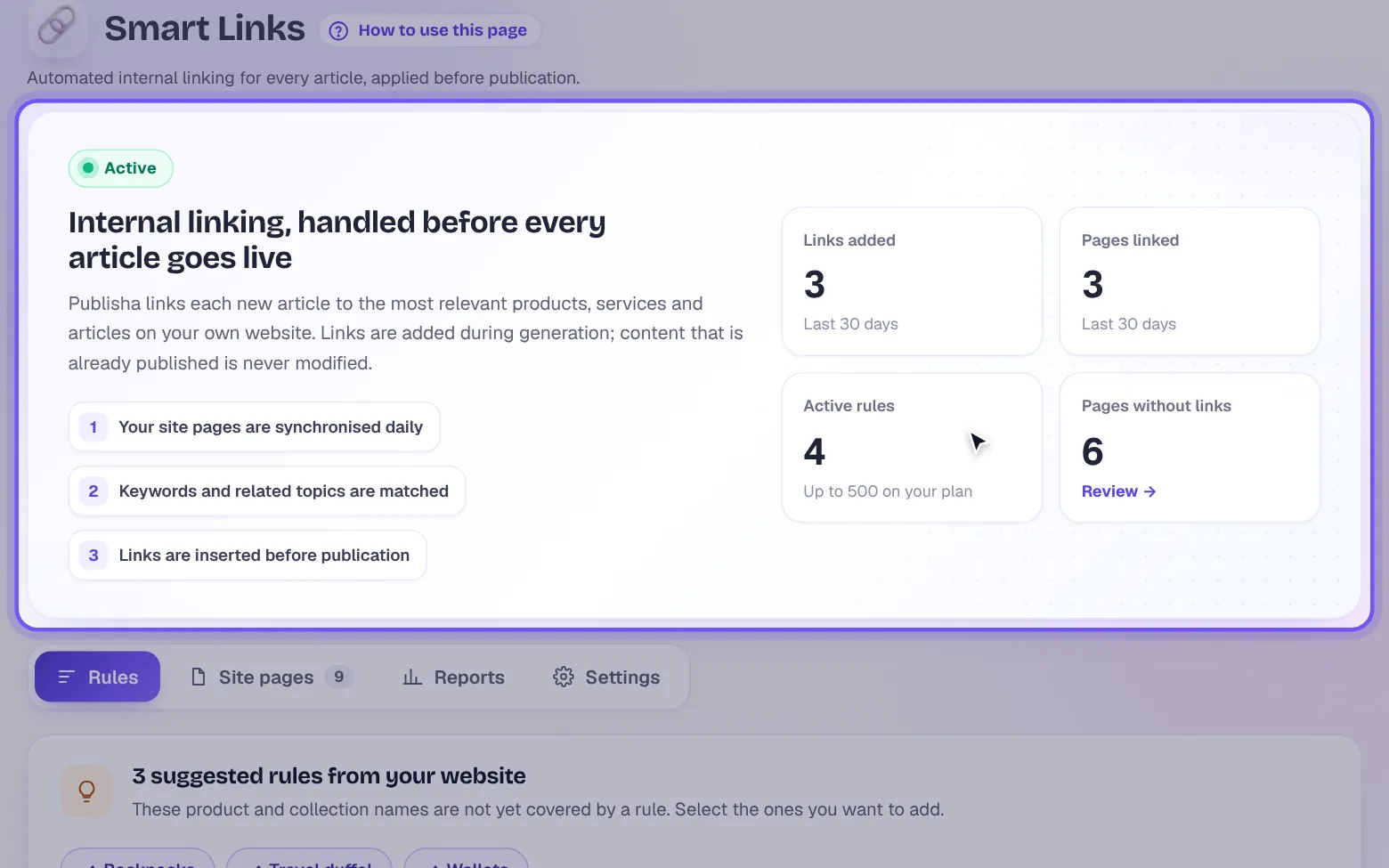
Automatic internal links with Smart LinksPublisha links each new article to your most relevant products, services and posts before it is published. Set rules, review pages without links and see the report.
3 min read · 3 steps
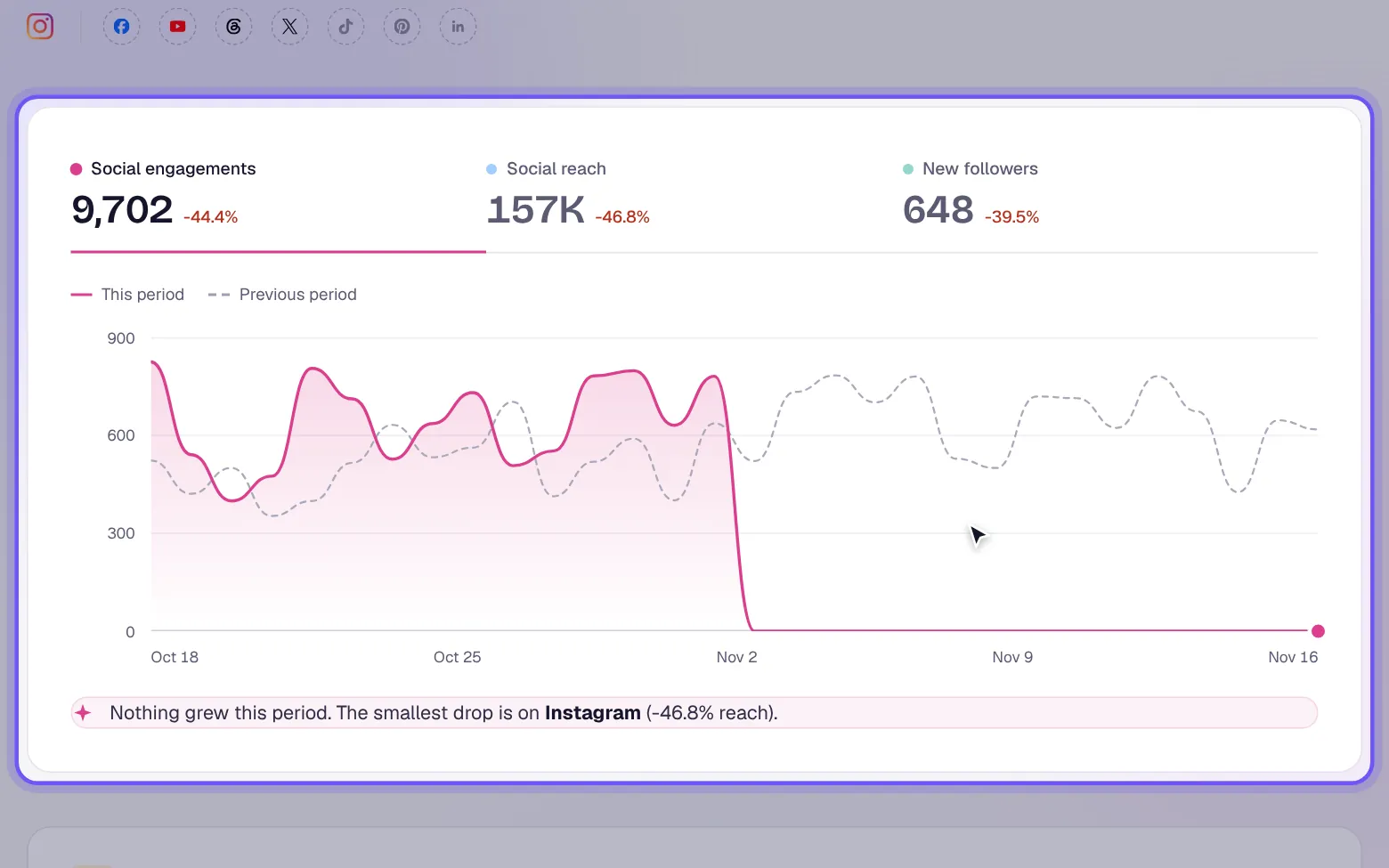
Read your results in AnalyticsReach, engagement and followers from every connected channel, compared with the previous period, with the top posts and clear next steps.
3 min read · 3 steps
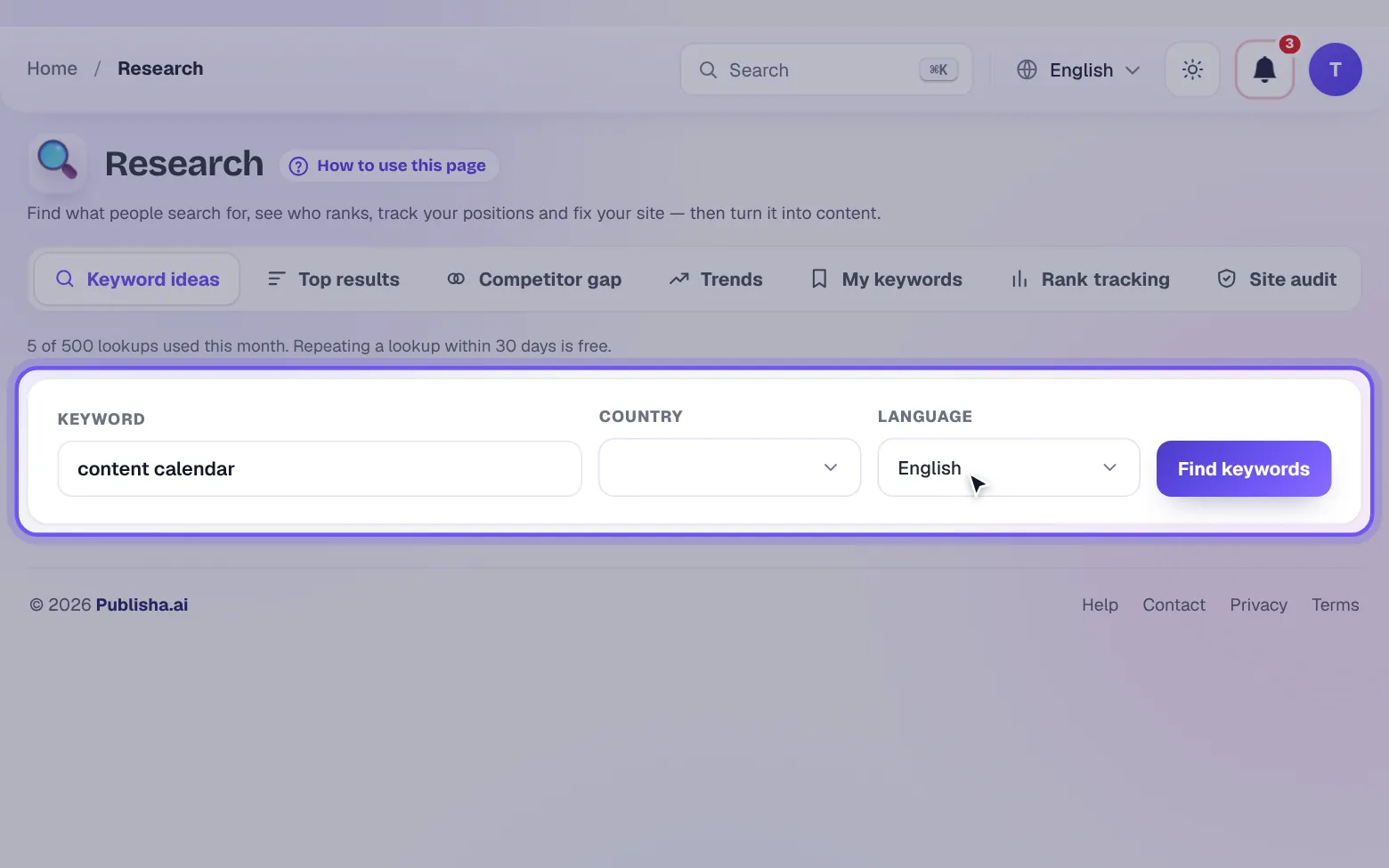
Find topics people search for with ResearchKeyword ideas with real search volumes, Google’s top results, your competitors’ keywords, trends, rank tracking and a site audit, in about 90 countries.
5 min read · 4 steps
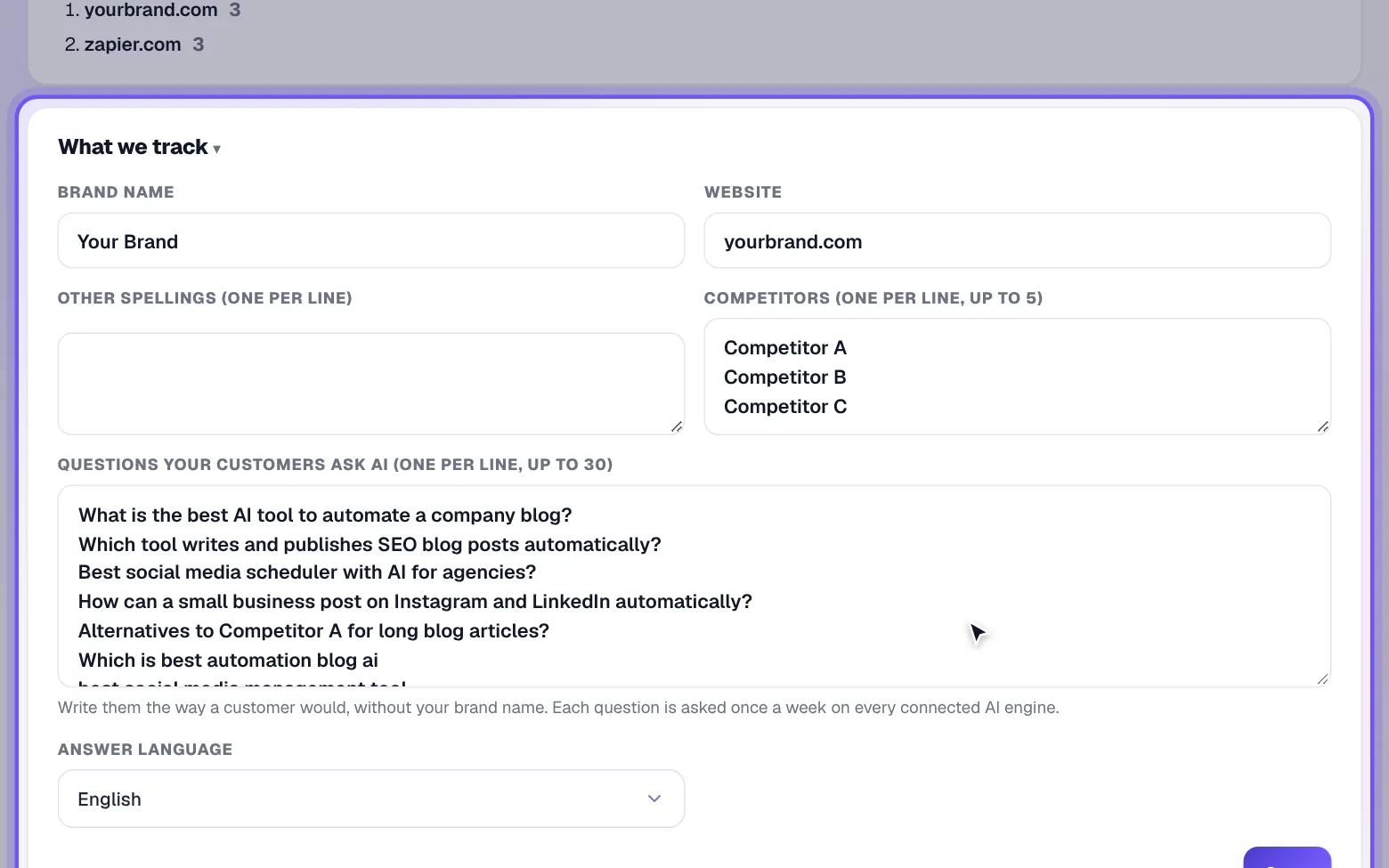
See how AI assistants talk about your brand with AI VisibilityTrack whether ChatGPT, Gemini, Claude and Perplexity recommend your brand, where Google’s AI mentions you, and who talks about you across the web.
5 min read · 4 steps
Agencies and teams
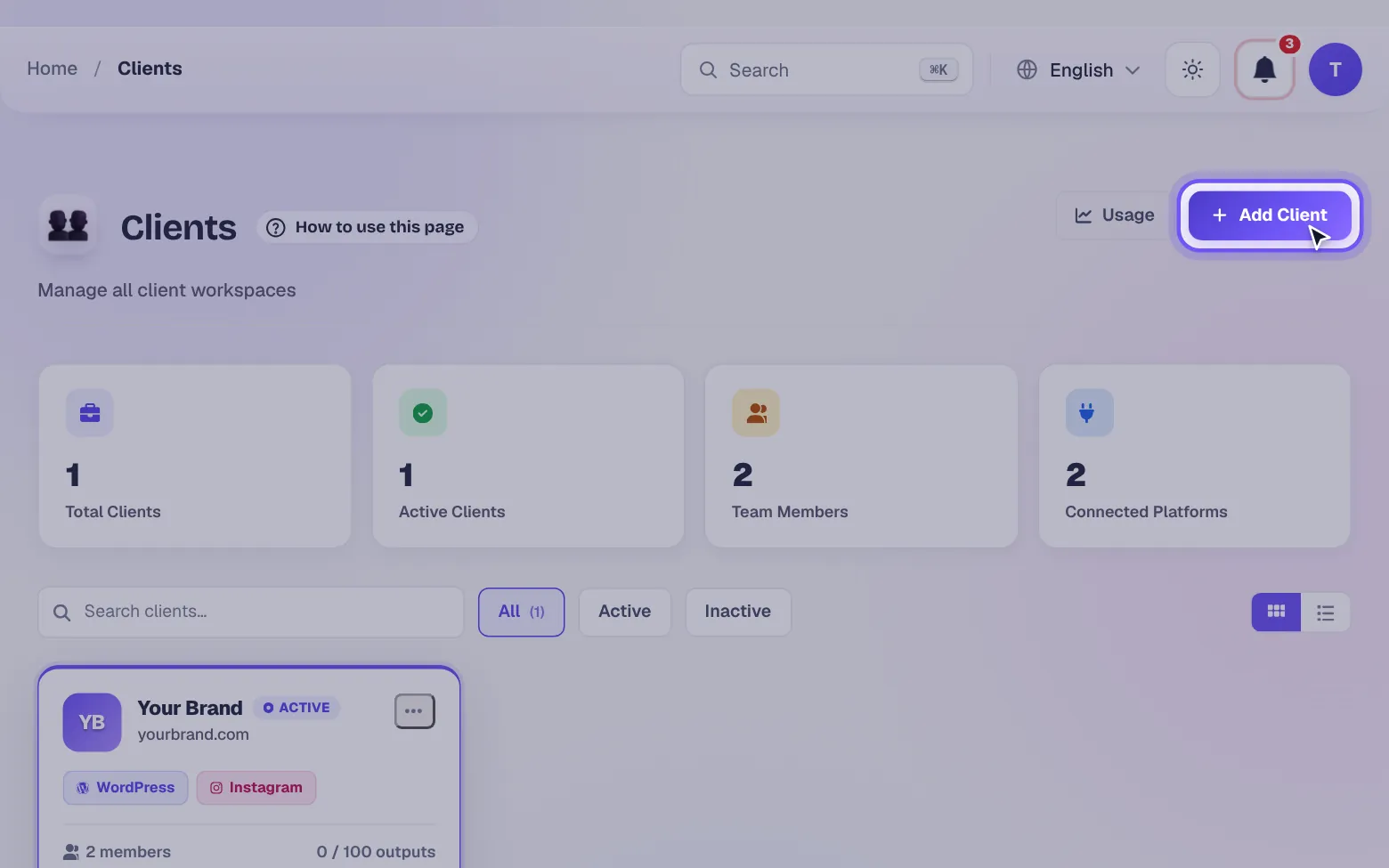
Manage clients and teams in separate workspacesAgencies keep each client in its own workspace with its own channels, campaigns and team, and switch between them in one click.
3 min read · 3 steps
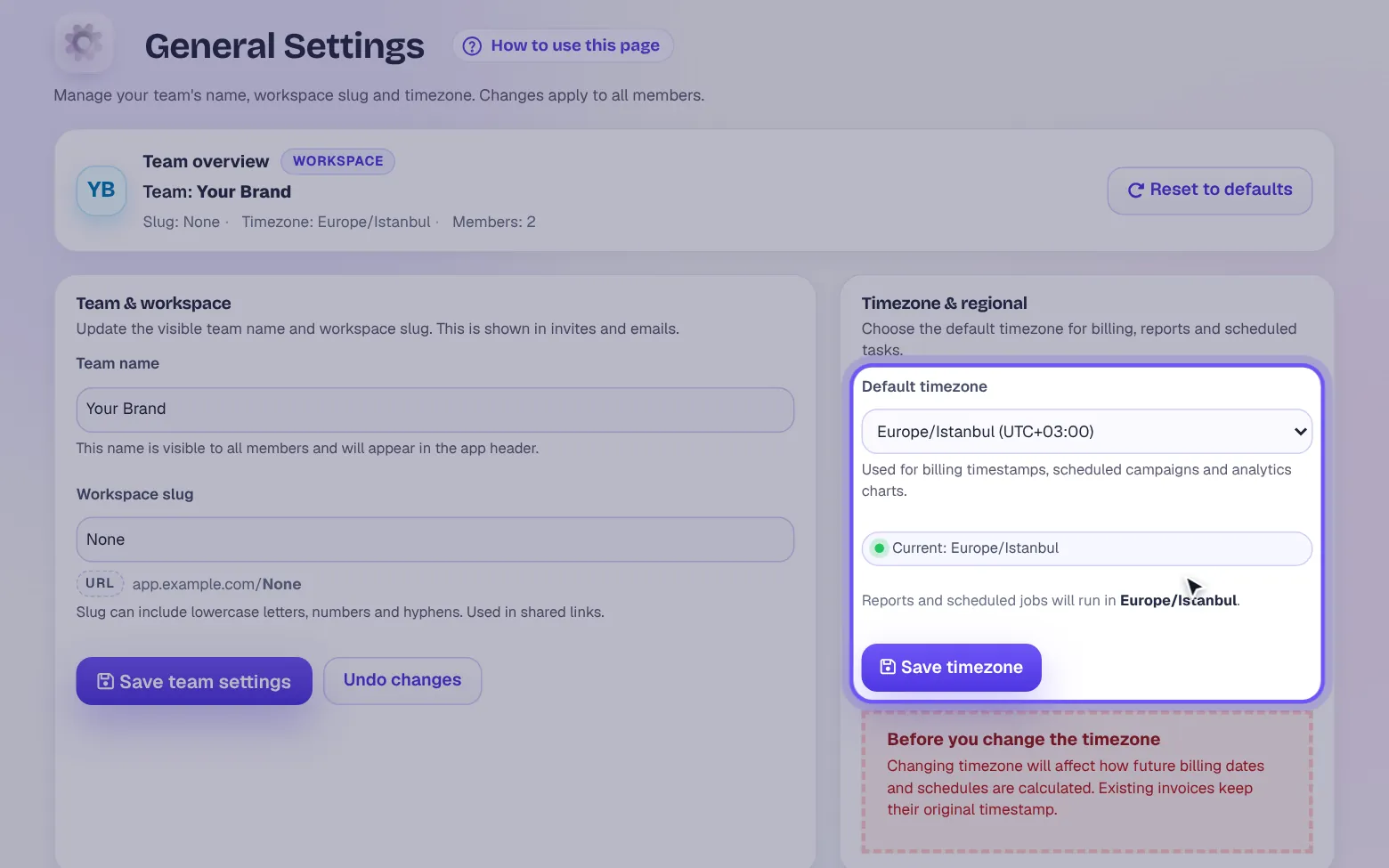
Set up your workspace: time zone, defaults, markets, images and teamThe settings that shape every post: your time zone, the default writing style and tone, the countries you sell in, image compression and who in your team can do what.
4 min read · 5 steps
Let Publisha write and publish for you
Blog articles and social posts, written in your voice and published on schedule to your website and every social network. Start with the free plan.