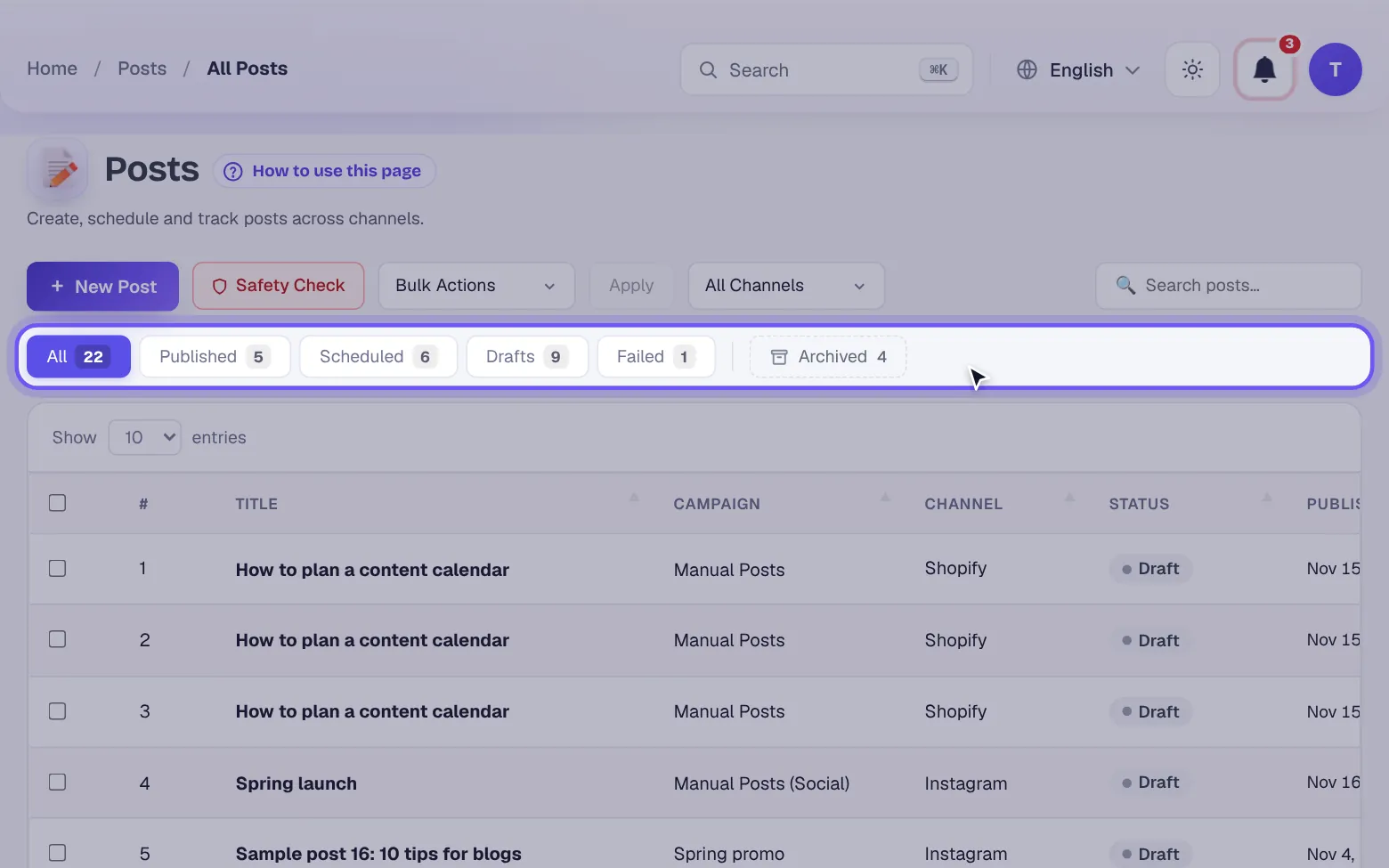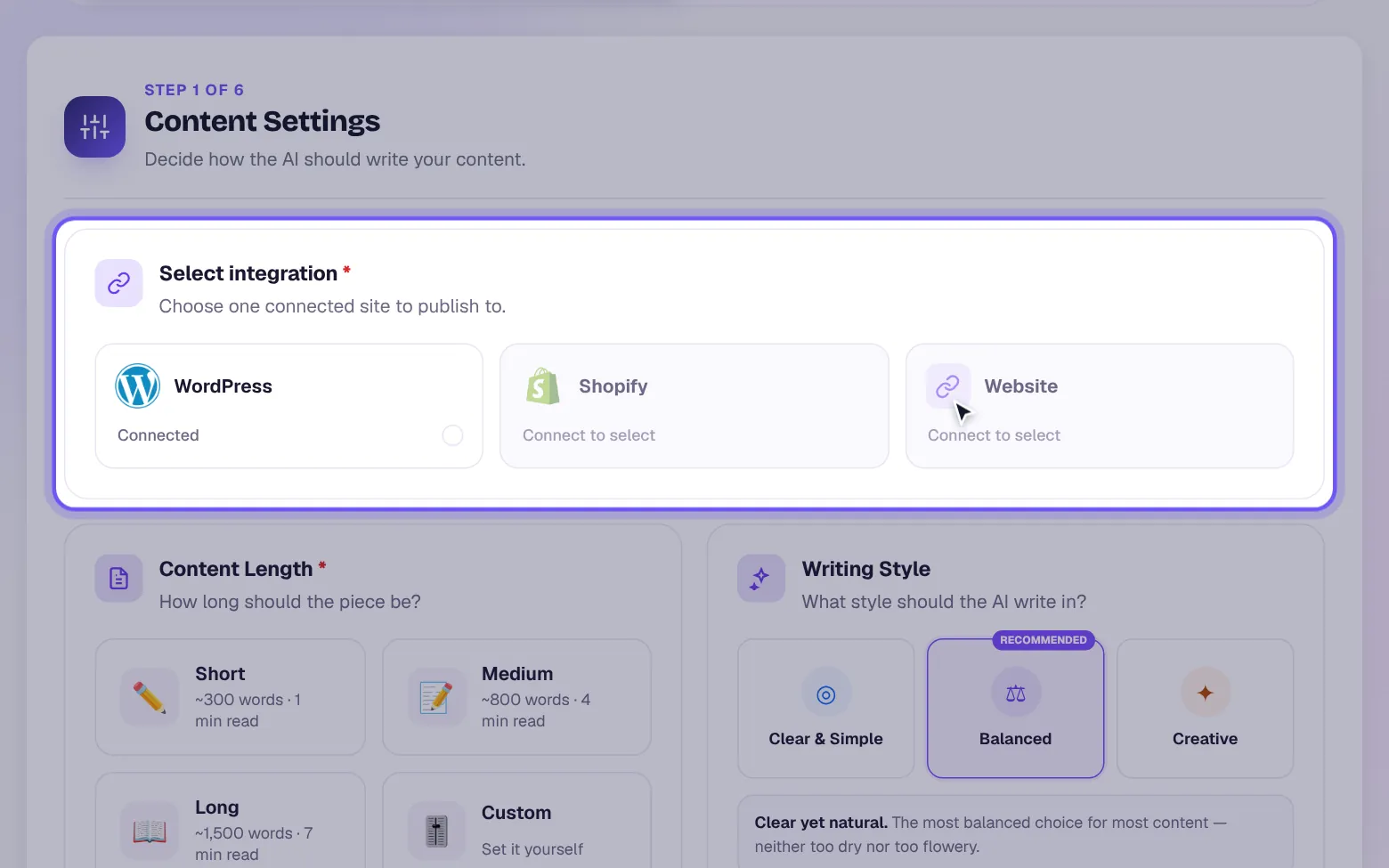

Plan and manage
Plan with the Content Calendar
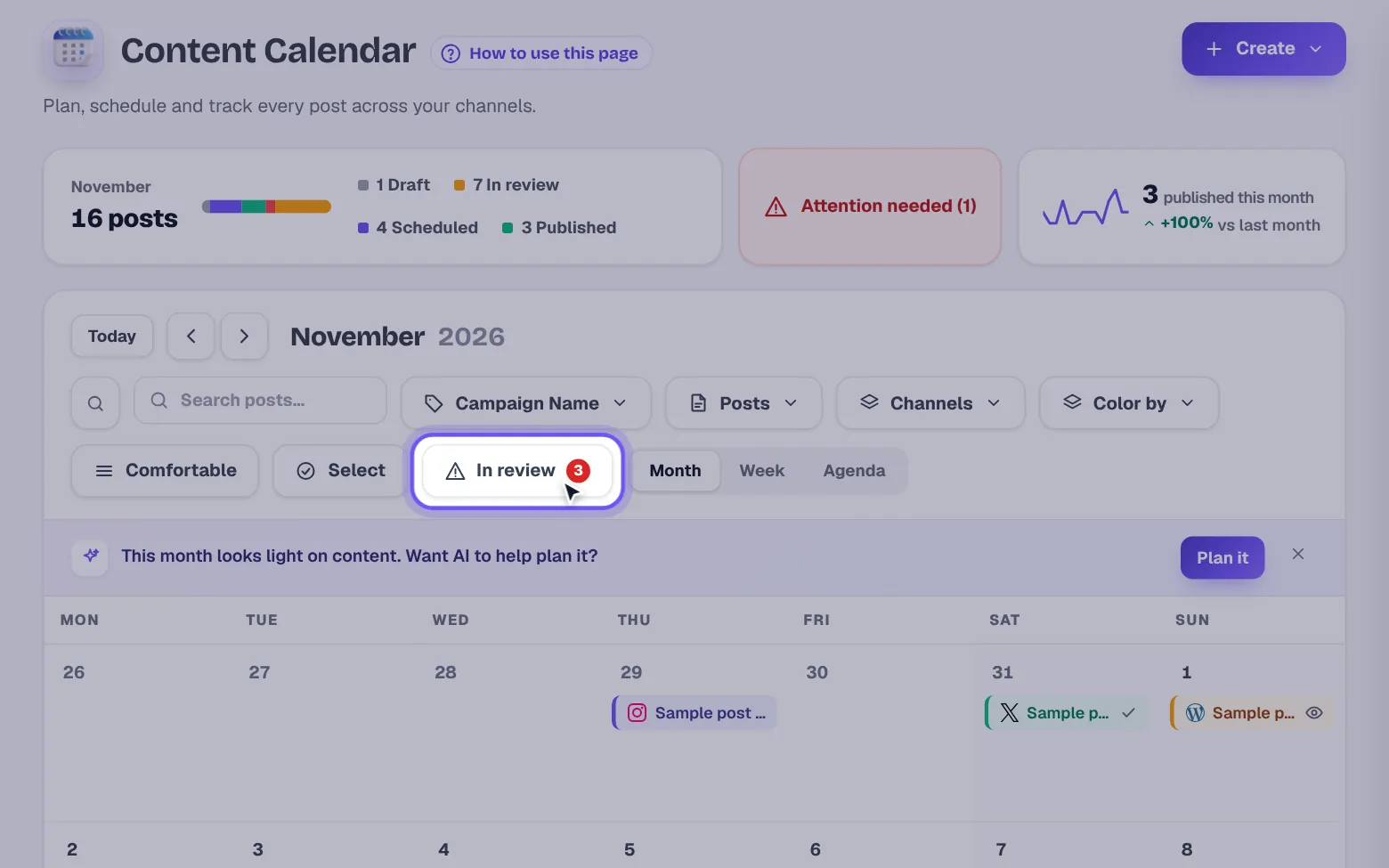
See every planned and published post by month, week or list, drag to reschedule, approve posts waiting for review and fix the ones that need attention.
In short
The Content Calendar shows all your content on one timeline, coloured by status: draft, in review, scheduled, published or failed.
-
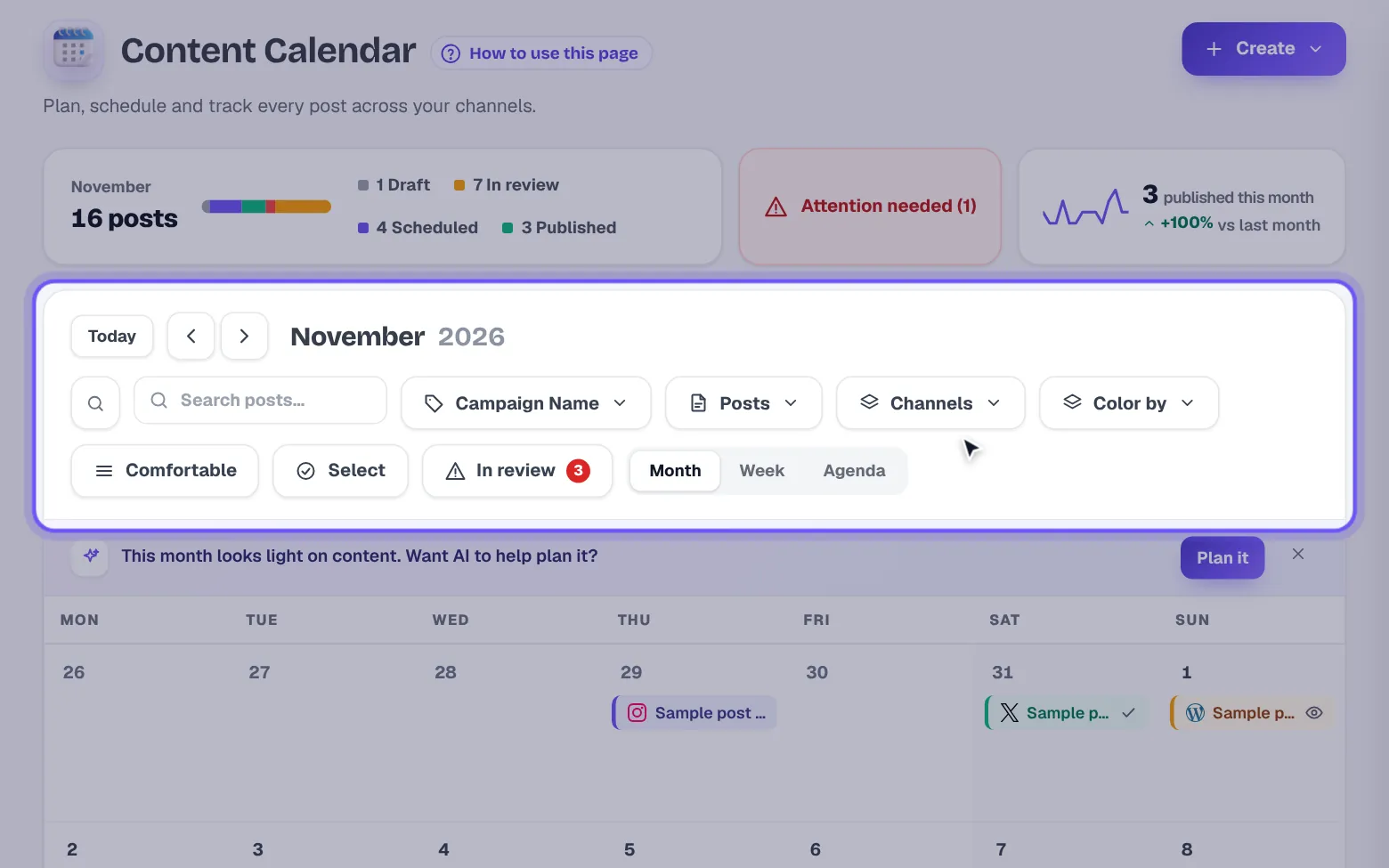
Switch between Month, Week and Agenda
Month for the big picture, Week for exact times, Agenda for a list. Filter by campaign, post type or channel and colour posts by status, channel or campaign.
-
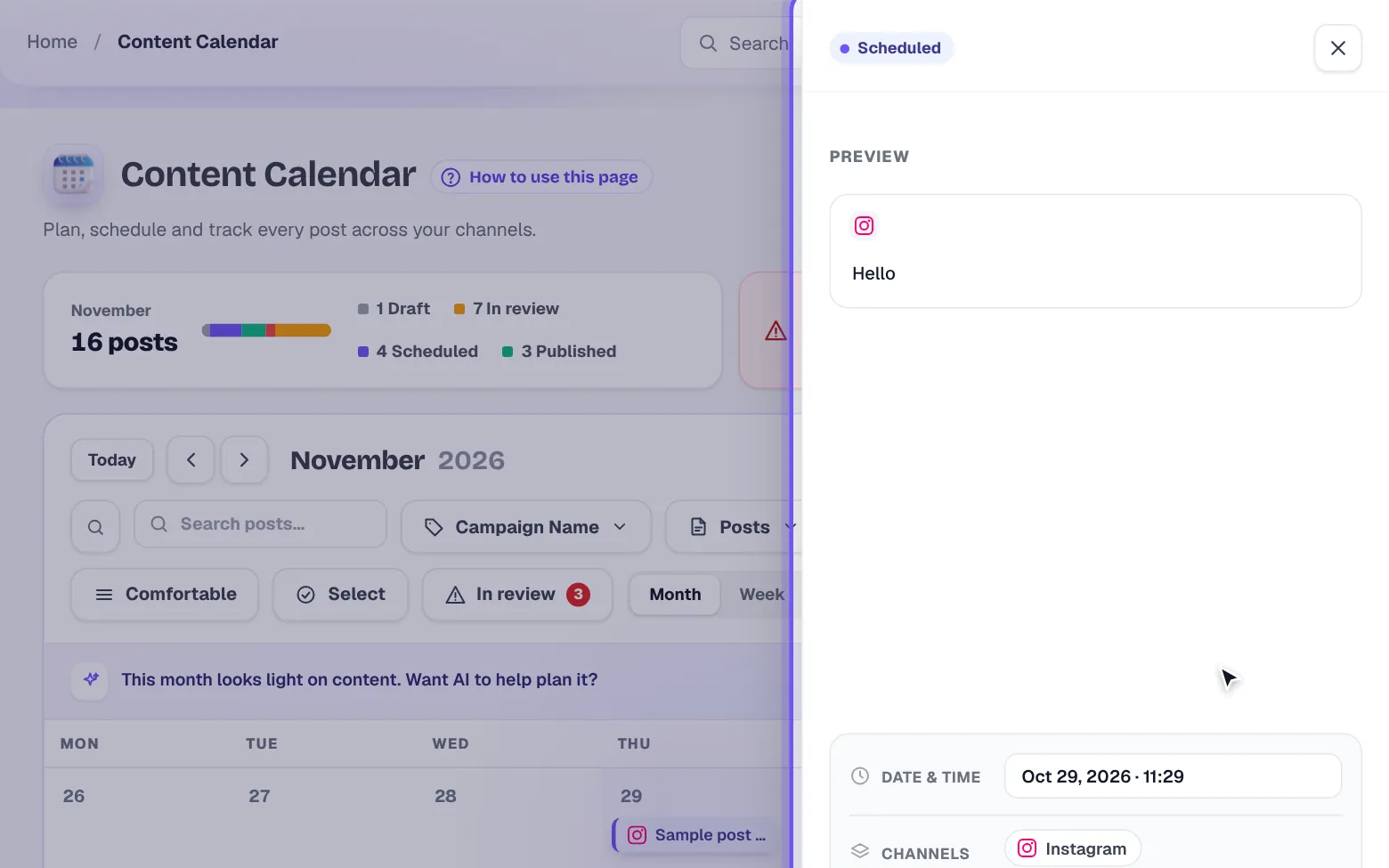
Open a post, edit or reschedule it
Click a post to see its text, channels and date. Change the date and time in the panel, or simply drag the post to another day.
-
Handle what needs attention
“Attention needed” collects failed and paused posts with the reason and a Retry or Review button. The “In review” button lists posts that wait for your Approve.
Questions
Which time zone are the times in?
Your workspace time zone, shown under the calendar. Change it in System → General.