
Grow
Automatic internal links with Smart Links
Publisha links each new article to your most relevant products, services and posts before it is published. Set rules, review pages without links and see the report.
In short
Internal links help readers and search engines find your important pages. Smart Links adds them while the article is written, so every new post links to the right places. Articles that are already published are never changed.
-
See how it works and what it did
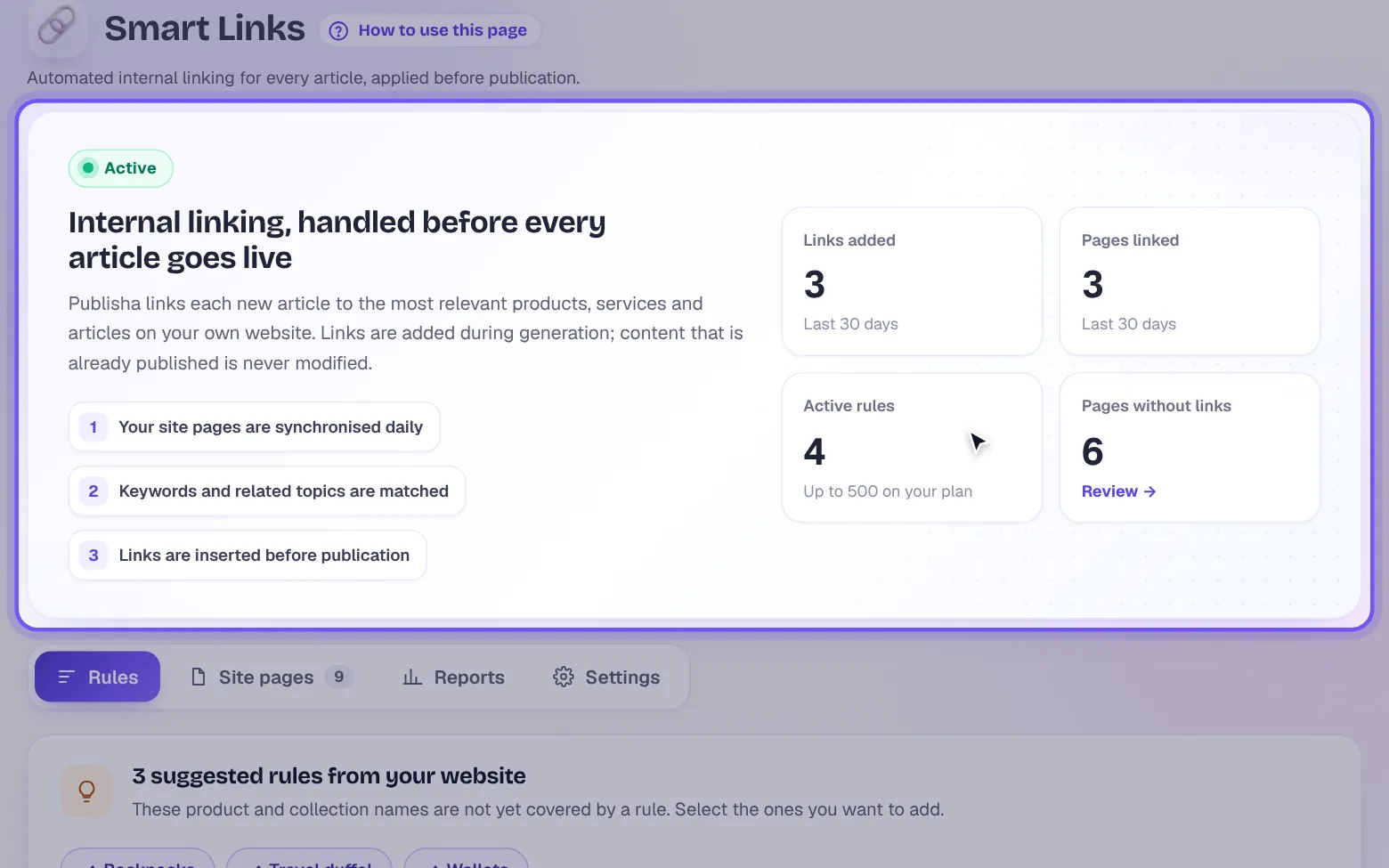
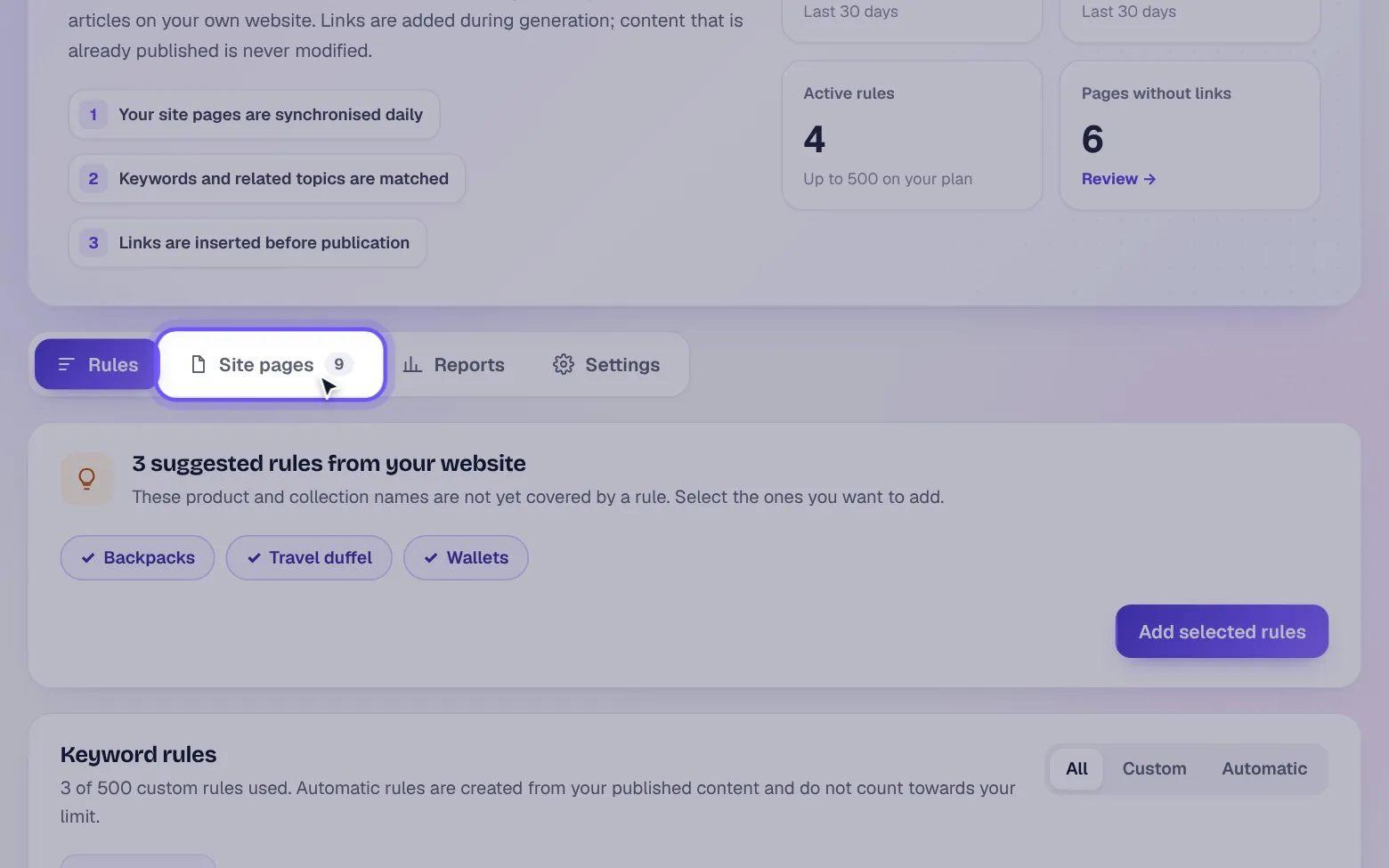
Your site’s pages are read every day, keywords and topics are matched, and links are added before publication. The numbers show links added, pages linked and pages that have no links yet.
-
Add keyword rules
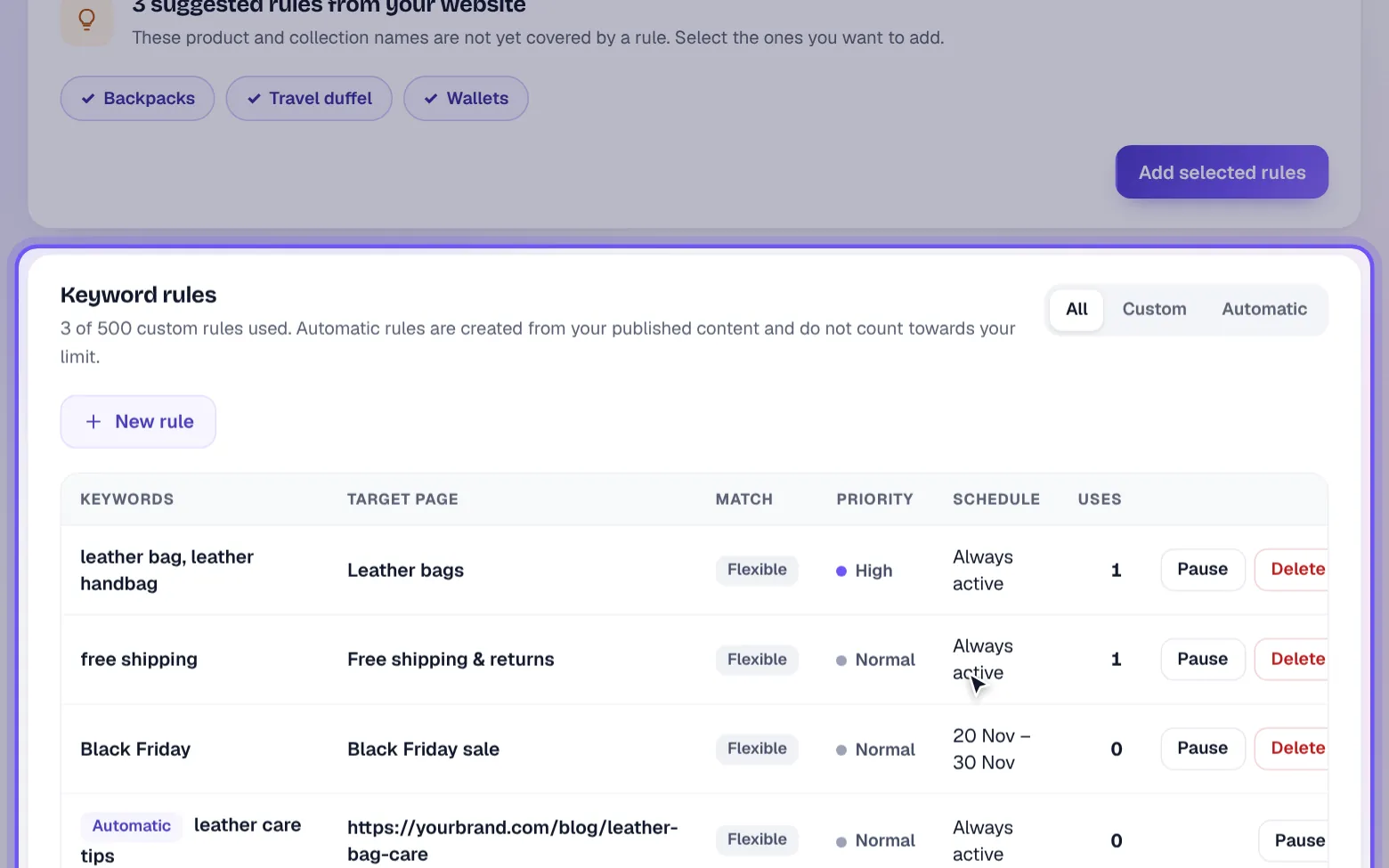
A rule says “when an article mentions these words, link to this page”. Choose flexible or exact matching, a priority and, for promotions, dates. Suggested rules come from your products and collections.
-
Check site pages and reports
Site pages lists what Publisha found on your site; Reports shows which articles got which links.
Questions
Will it change my old posts?
No. Links are only added to new articles, before they are published.