
Create
Make on-brand images with Creative Studio
Describe an image or edit a photo, pick the format for Instagram, Stories, LinkedIn, a blog cover or a banner, and keep your colours and logo with the brand kit.
In short
Creative Studio makes images for your posts: from a description, or by changing parts of a photo you upload. Everything you make is saved and can be used in any post or campaign.
-
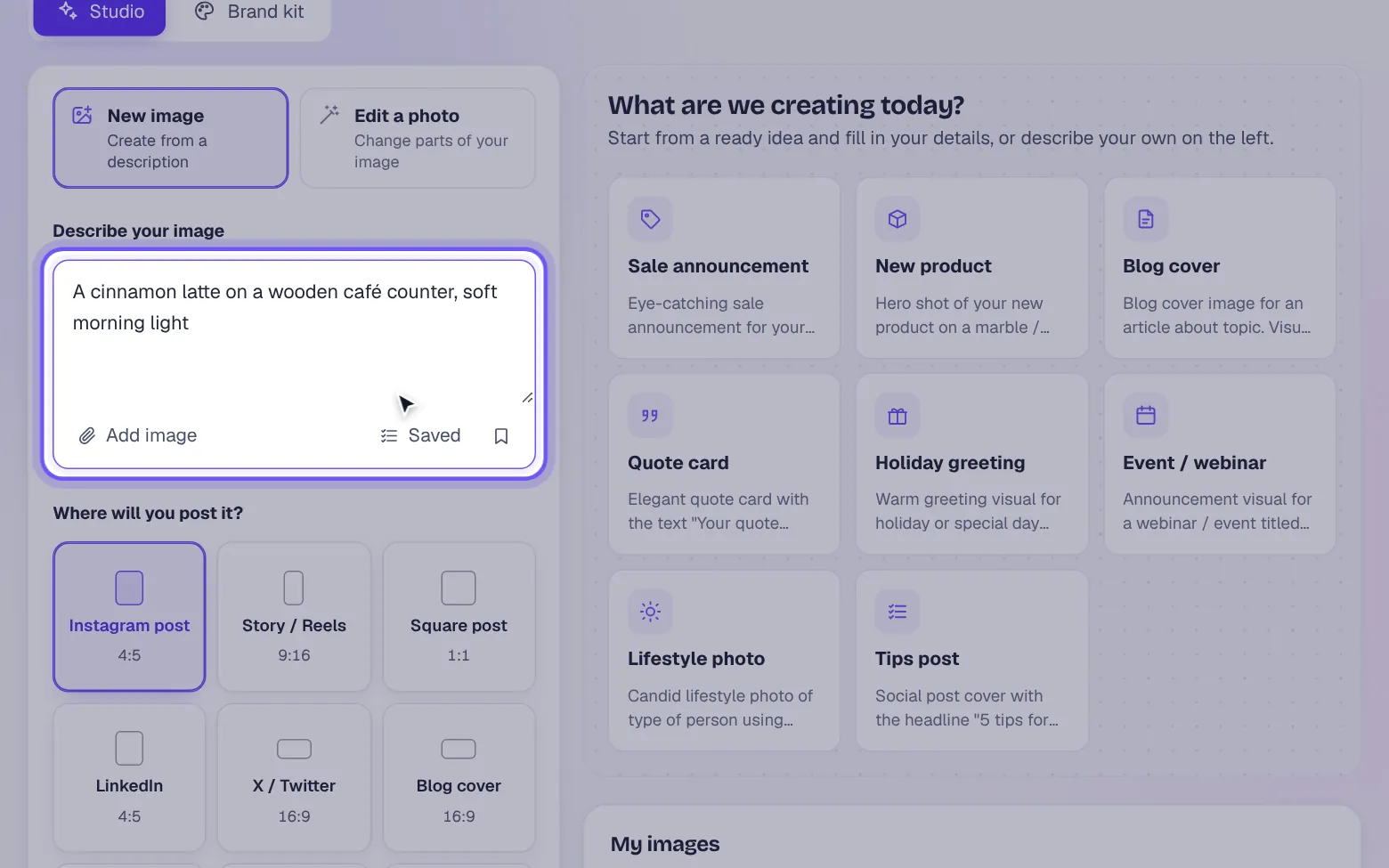
Describe the image or start from an idea
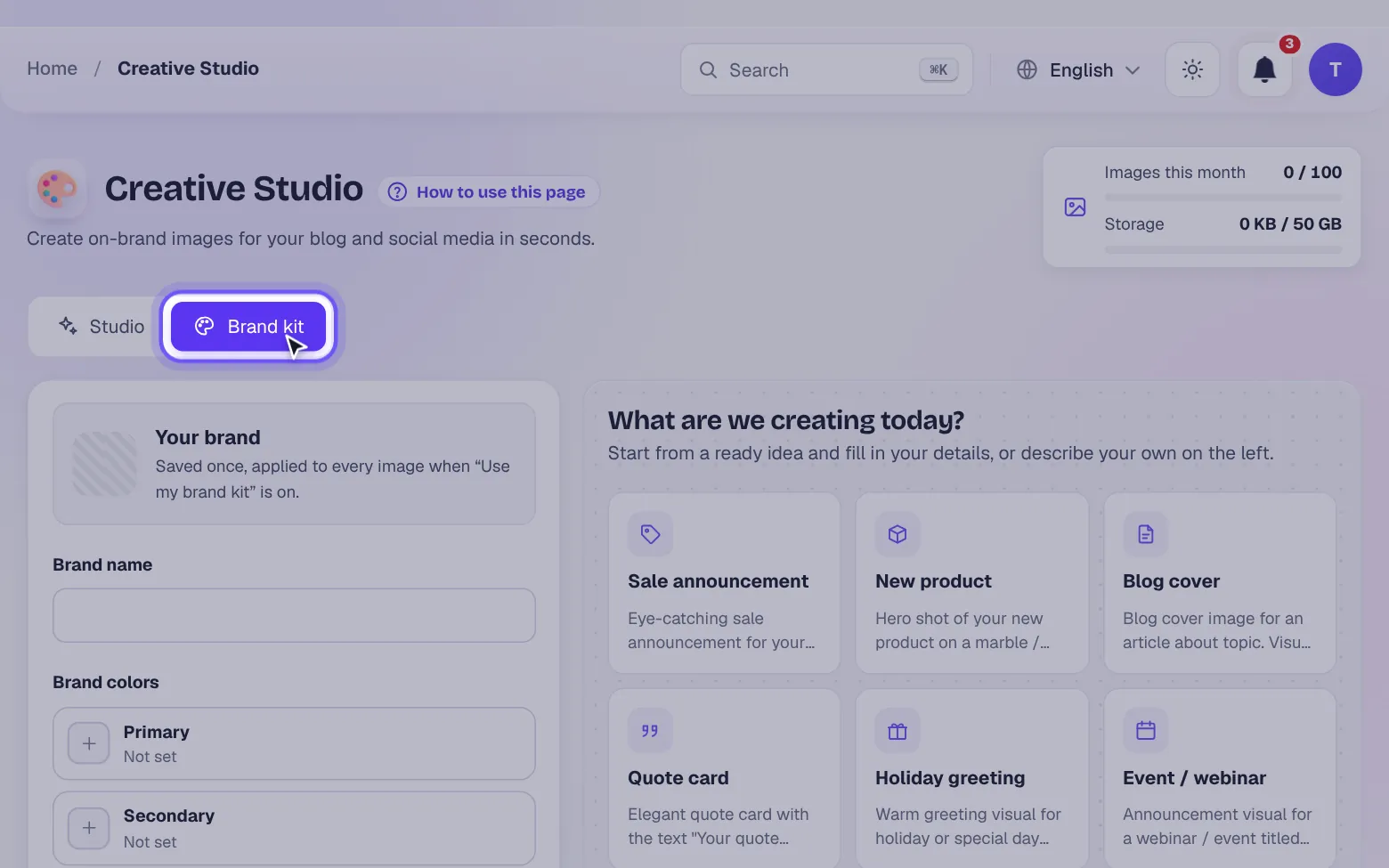
Write what you want to see, or click a ready idea (sale announcement, new product, blog cover, quote card, holiday greeting, event, lifestyle photo, tips post) and fill in your details. “Edit a photo” changes parts of an image you upload.
-
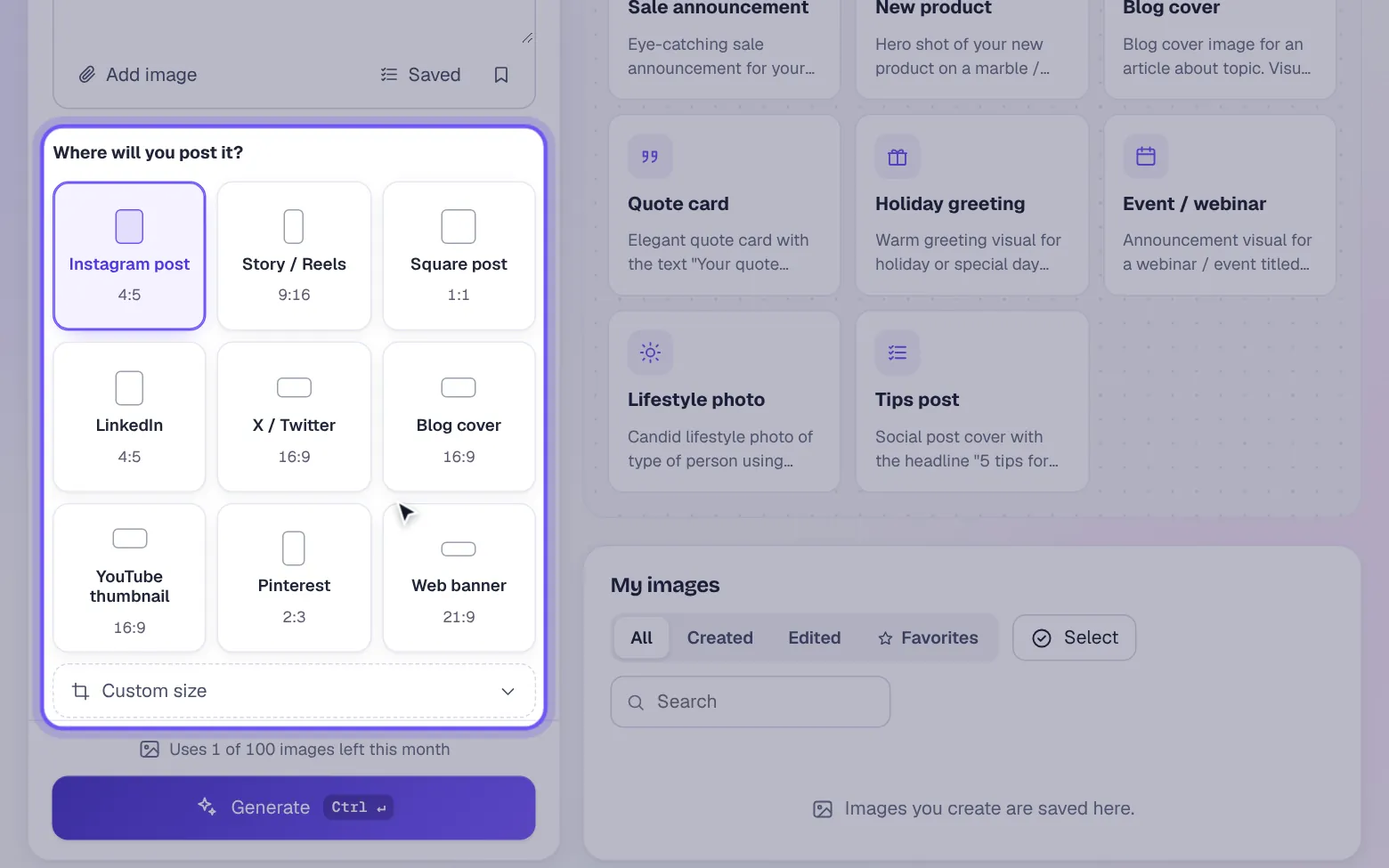
Pick where it will be posted
The format sets the size: Instagram post 4:5, Story 9:16, square 1:1, LinkedIn, X, blog cover 16:9, YouTube thumbnail, Pinterest 2:3, web banner or a custom size. Optionally choose a look and how many versions.
-
Set up your brand kit
Add your brand name, colours and logo once in Brand kit and switch on “Use my brand kit”: every image then matches your brand.
Questions
Can I use the images commercially?
Yes, images you create are yours to use in your posts, ads and website.