
Agencies and teams
Manage clients and teams in separate workspaces
Agencies keep each client in its own workspace with its own channels, campaigns and team, and switch between them in one click.
In short
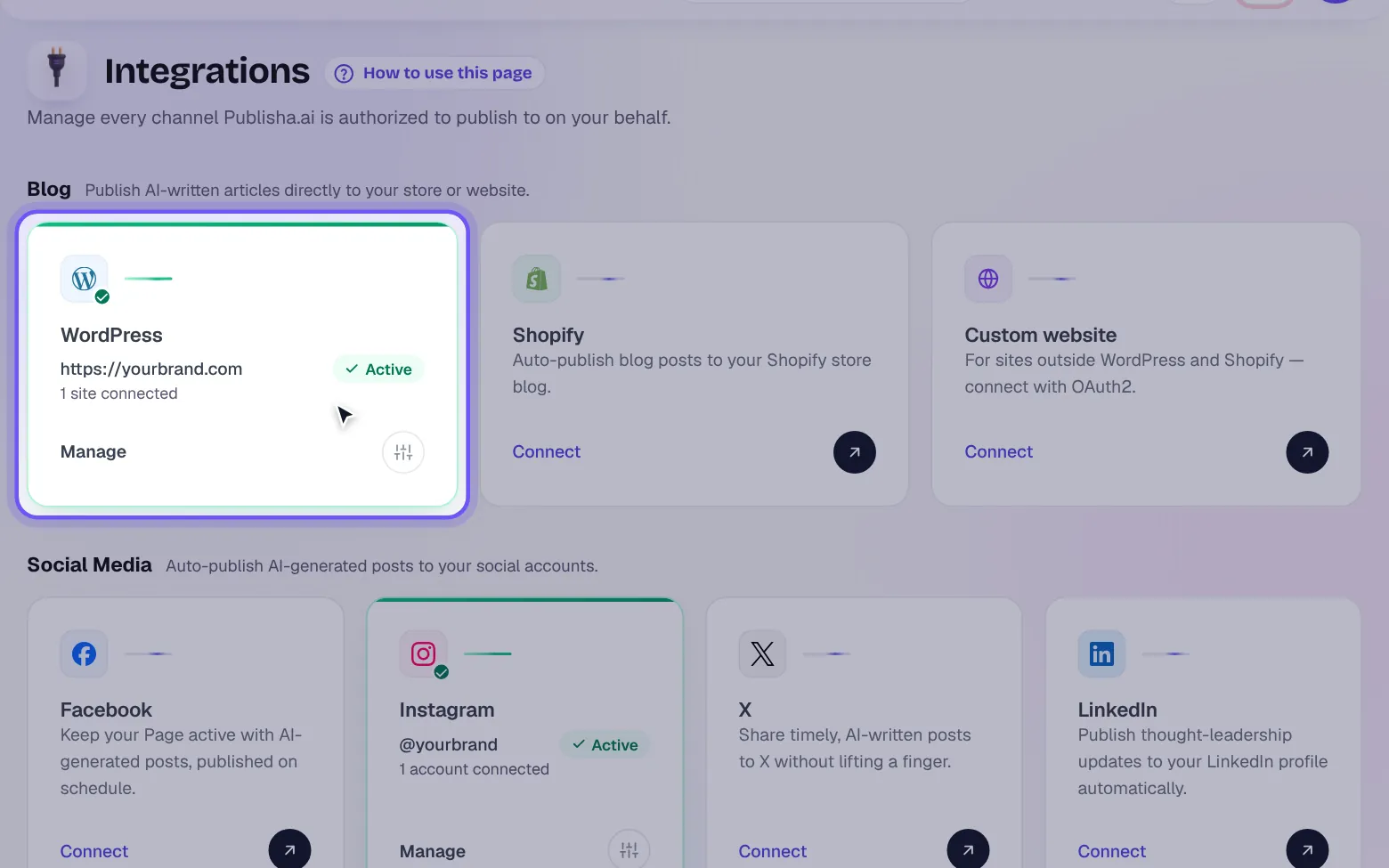
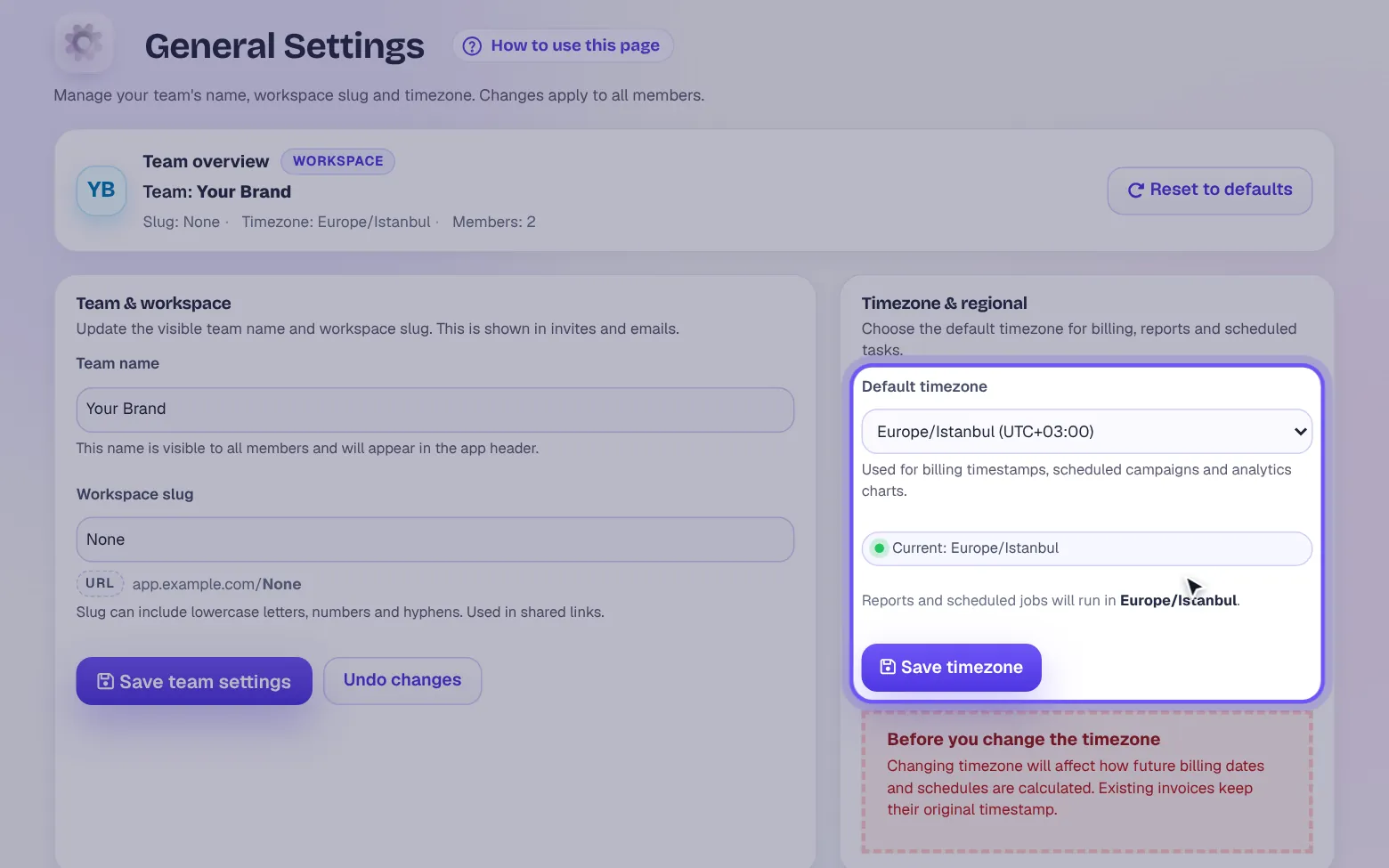
Each client workspace has its own connected channels, campaigns, posts, calendar and team members. Your plan and billing stay in your main workspace.
-
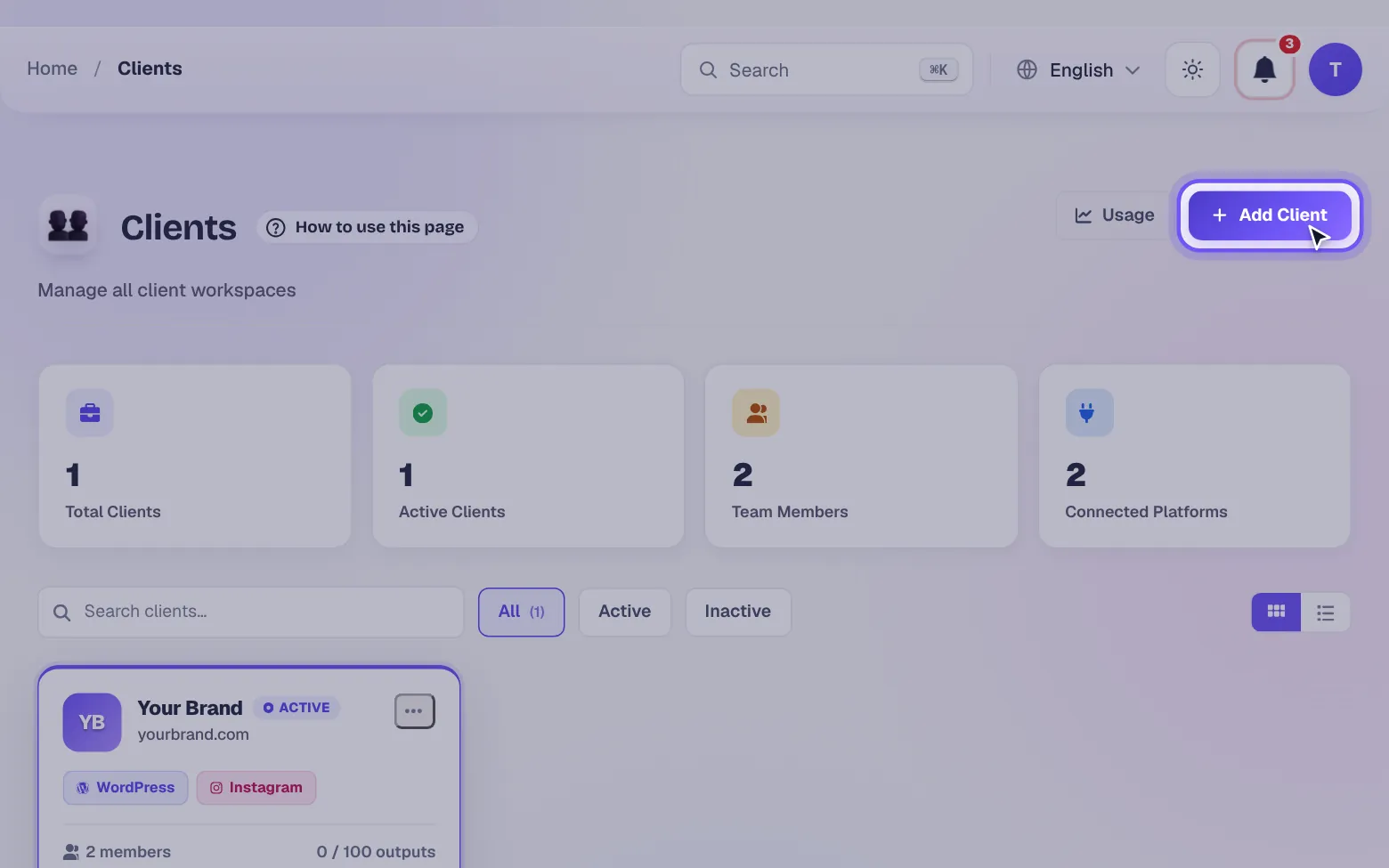
Add a client
Click Add Client, enter the name and website. The new workspace starts empty, ready to connect the client’s channels.
-
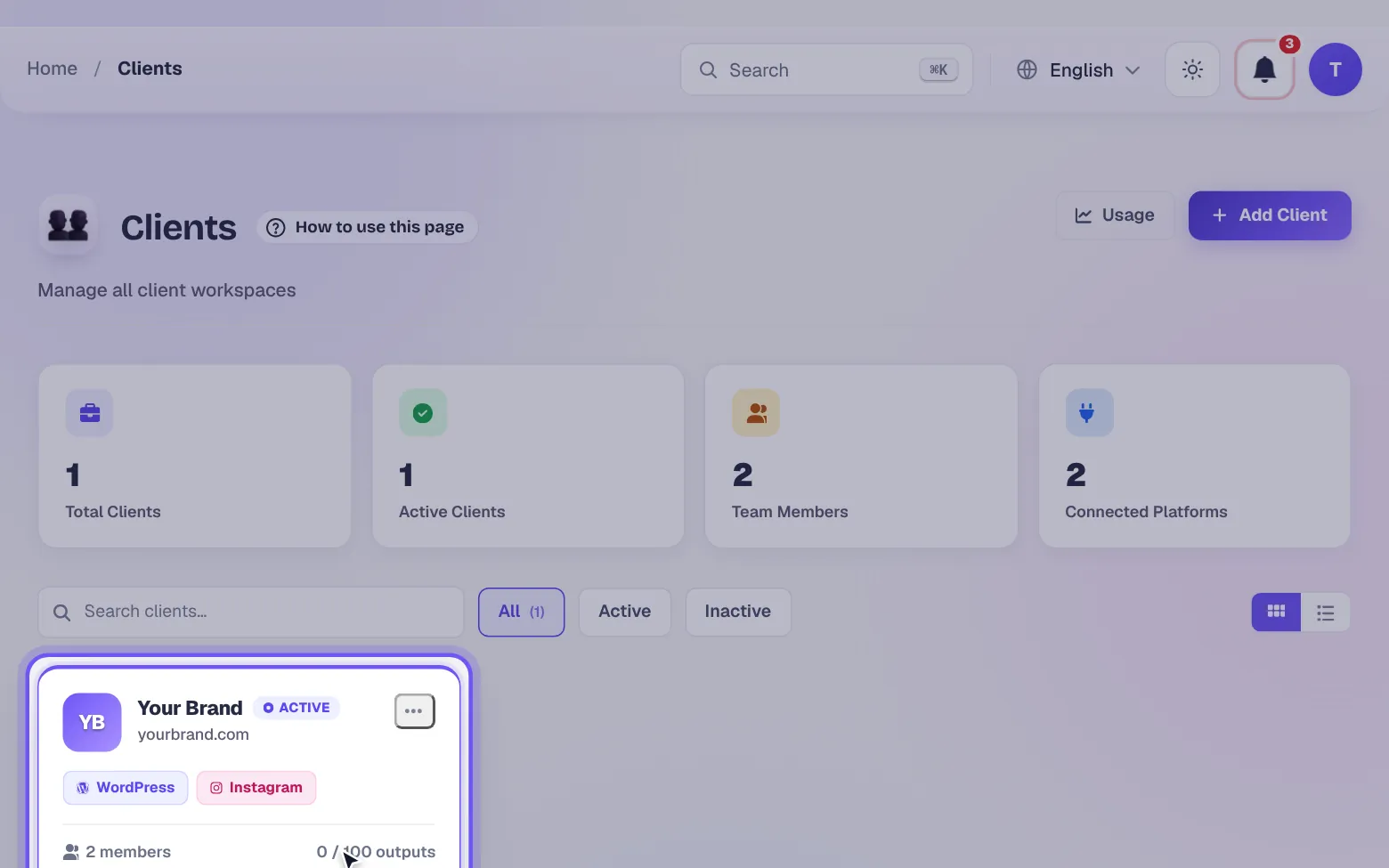
Switch between workspaces
Use “Switch organization” in the menu, or the client’s card on the Clients page. Everything you see and do then belongs to that client.
-
Invite the team
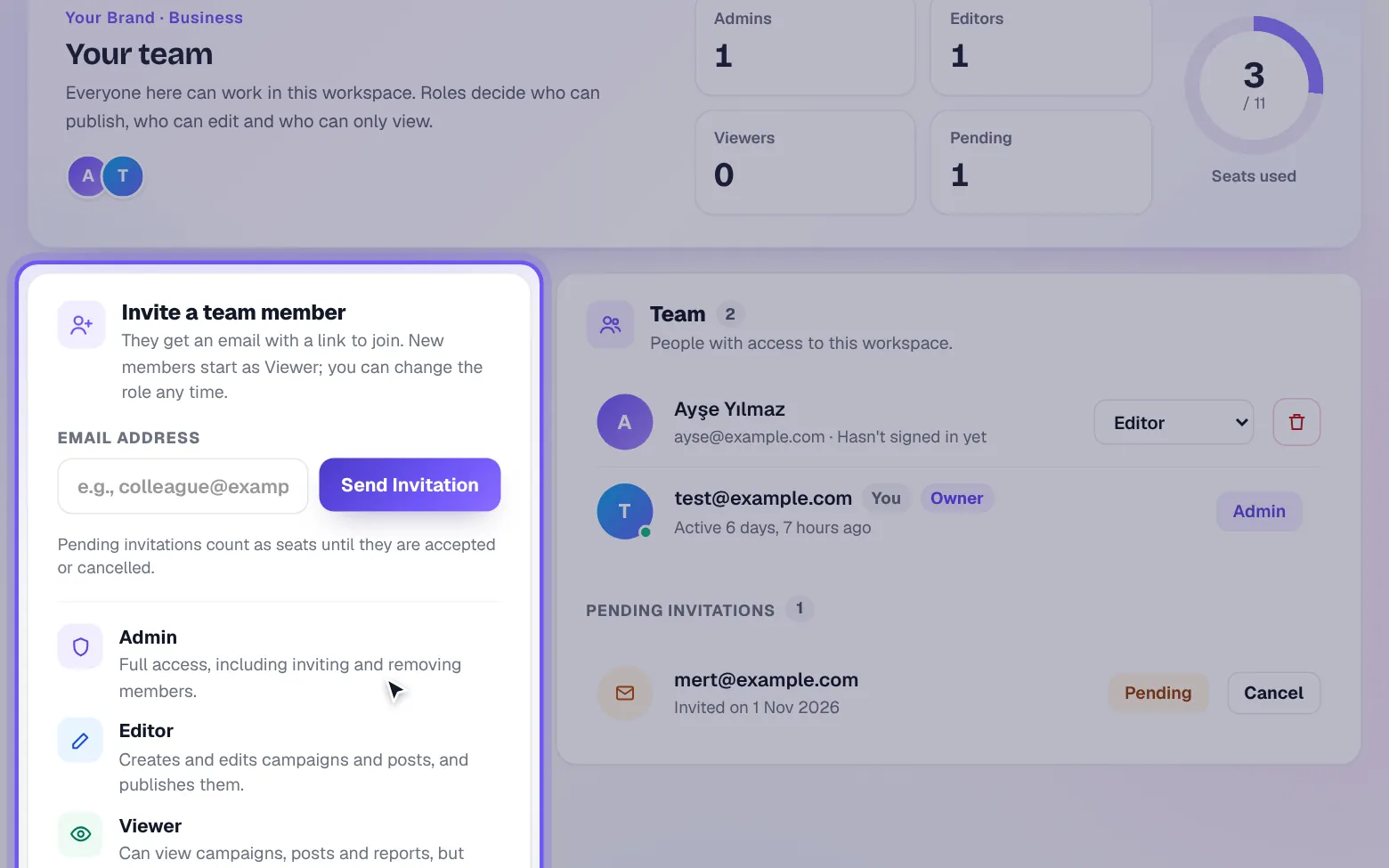
Add members per workspace with a role: Admin manages everything, Editor creates and publishes, Viewer only looks.
Questions
Do clients need their own plan?
No. Client workspaces use your plan’s allowance; you see each client’s share under Usage.