
Automate your content
Write and schedule a single post (and how it differs from a campaign)
Write one blog article or one social post yourself with AI help, publish it now or schedule it, and learn when to use a campaign instead.
In short
Posts → Add Blog Post and Add Social Post are for one piece at a time: an announcement, a news item or an article you want to write yourself. You write (with AI assist when you want it), Publisha checks it and publishes it to the channels you pick.
A campaign is the opposite: you set the rules once and Publisha writes and publishes a whole series automatically.
| Single post | Campaign | |
|---|---|---|
| Who writes | You, with AI assist on request | Publisha, from your keywords and prompt |
| How many | One post | A series: one per keyword |
| When it goes out | Now, or one date you pick | On a repeating schedule |
| Best for | News, launches, replies, your own voice | Steady SEO traffic and an active feed without daily work |
-
Blog: write the title and the article
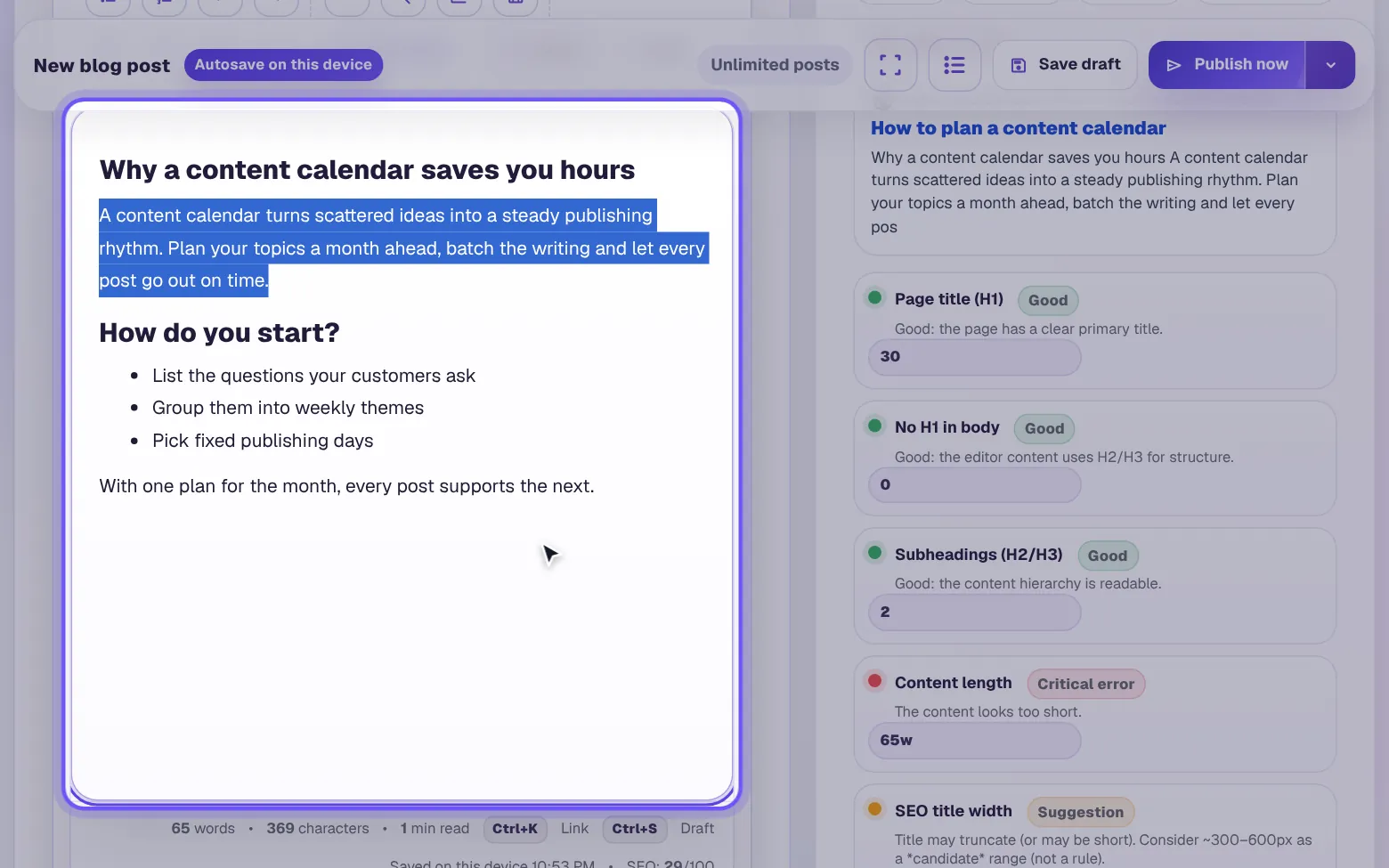
Type the H1 title; the permalink follows it. Write in the editor: headings, lists, links, images and videos, tables.
Select words to get a small bar with AI assist, bold, italic and link; right-click in the text for the full AI menu: improve, shorten, lengthen, fix grammar, change the tone, or write a section on an empty line.
-
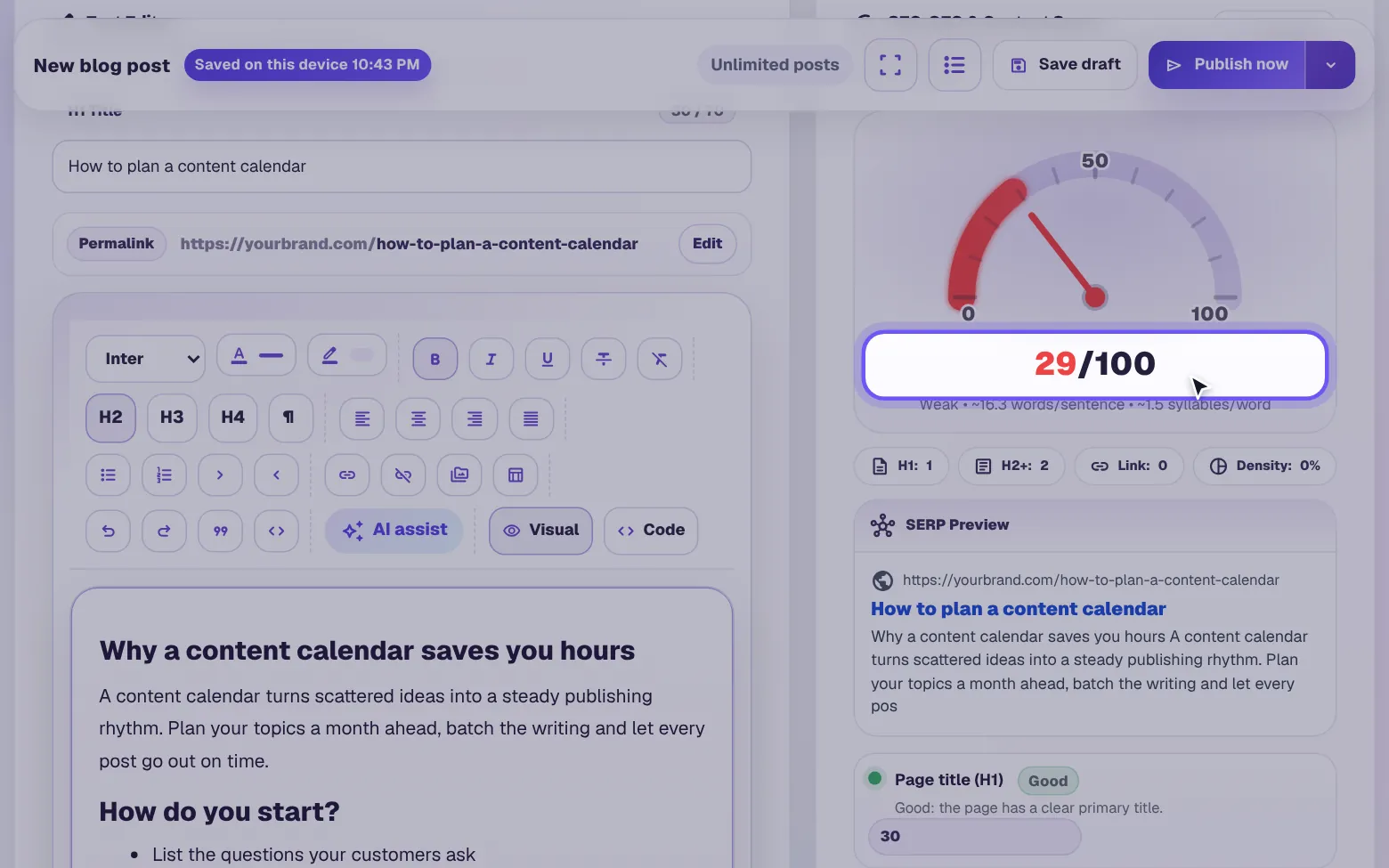
Blog: follow the SEO, GEO & Content Score
The panel on the right scores the article as you write and lists what to improve: title, headings, length, links, images, and how well AI answers can quote it.
Below the editor, fill the meta title, description, focus keyword, categories, tags and the cover image.
-
Blog: publish now or schedule
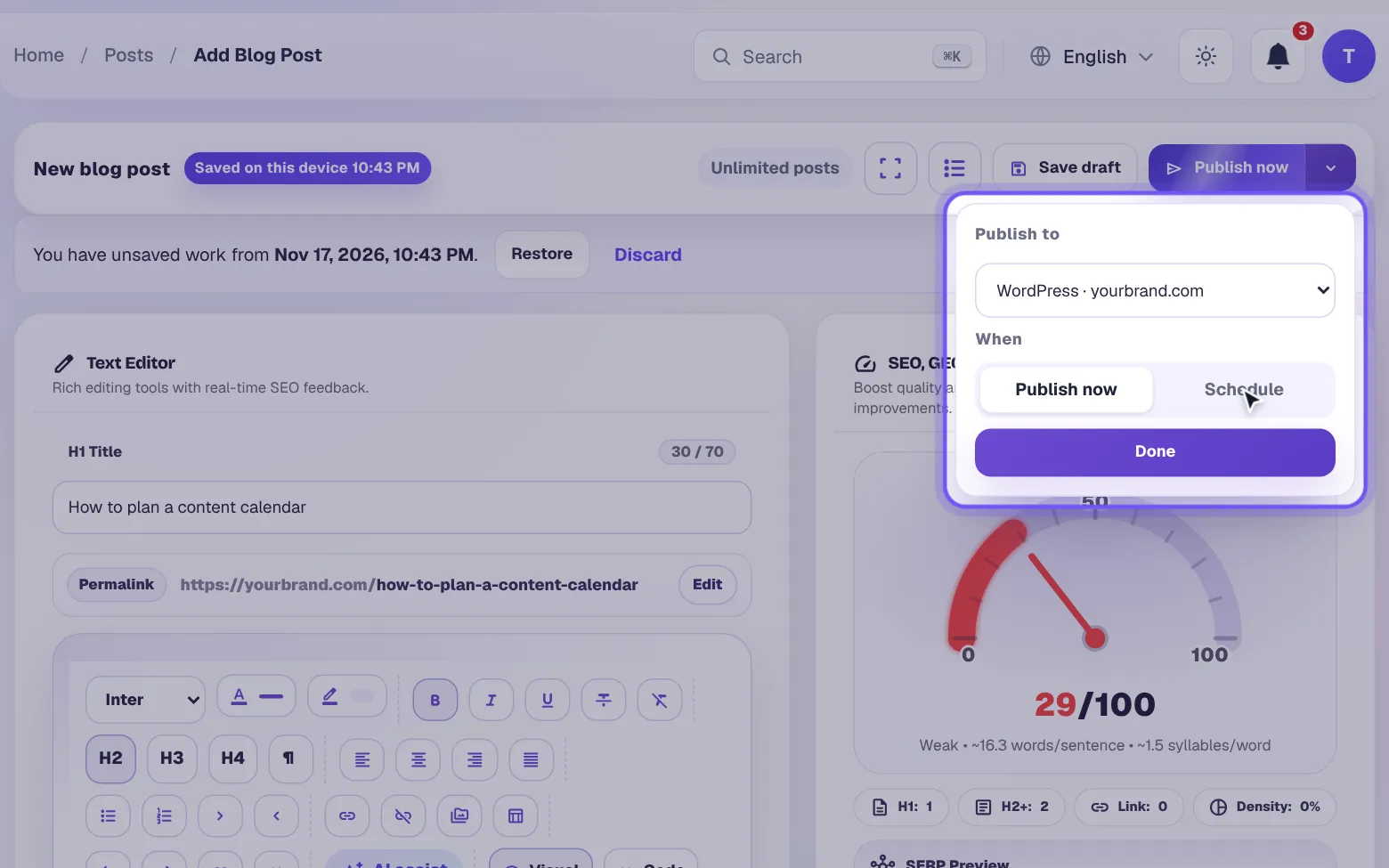
Pick the site under “Publish to”. The arrow next to Publish now opens the schedule: choose a quick time or any date and time.
-
Social: choose networks and write once
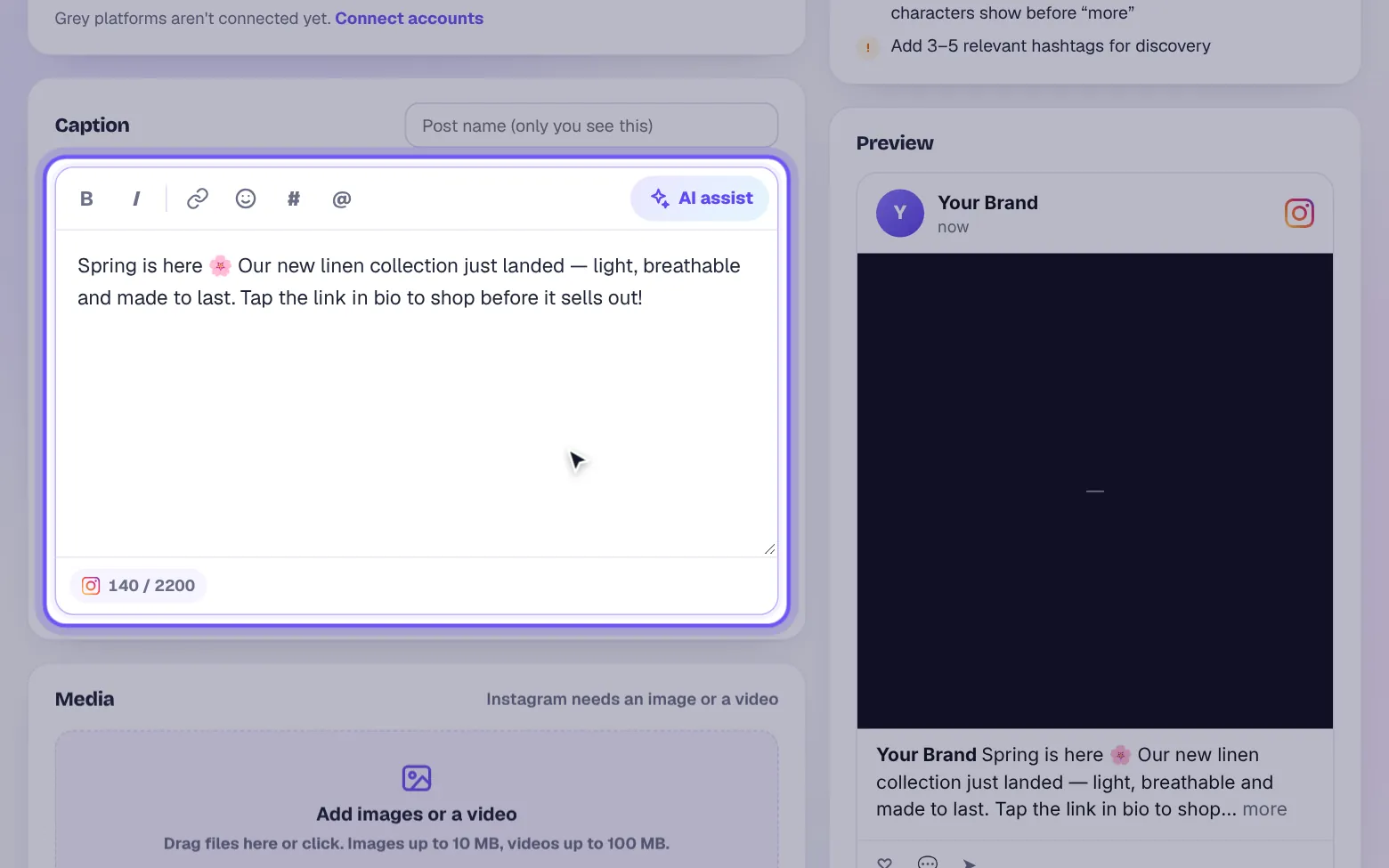
Click the connected networks to post to and write one caption. The counter shows each network’s limit; the caption stops at the shortest one. Switch “Customize” on for a network to give it its own text.
-
Social: add media and check the preview
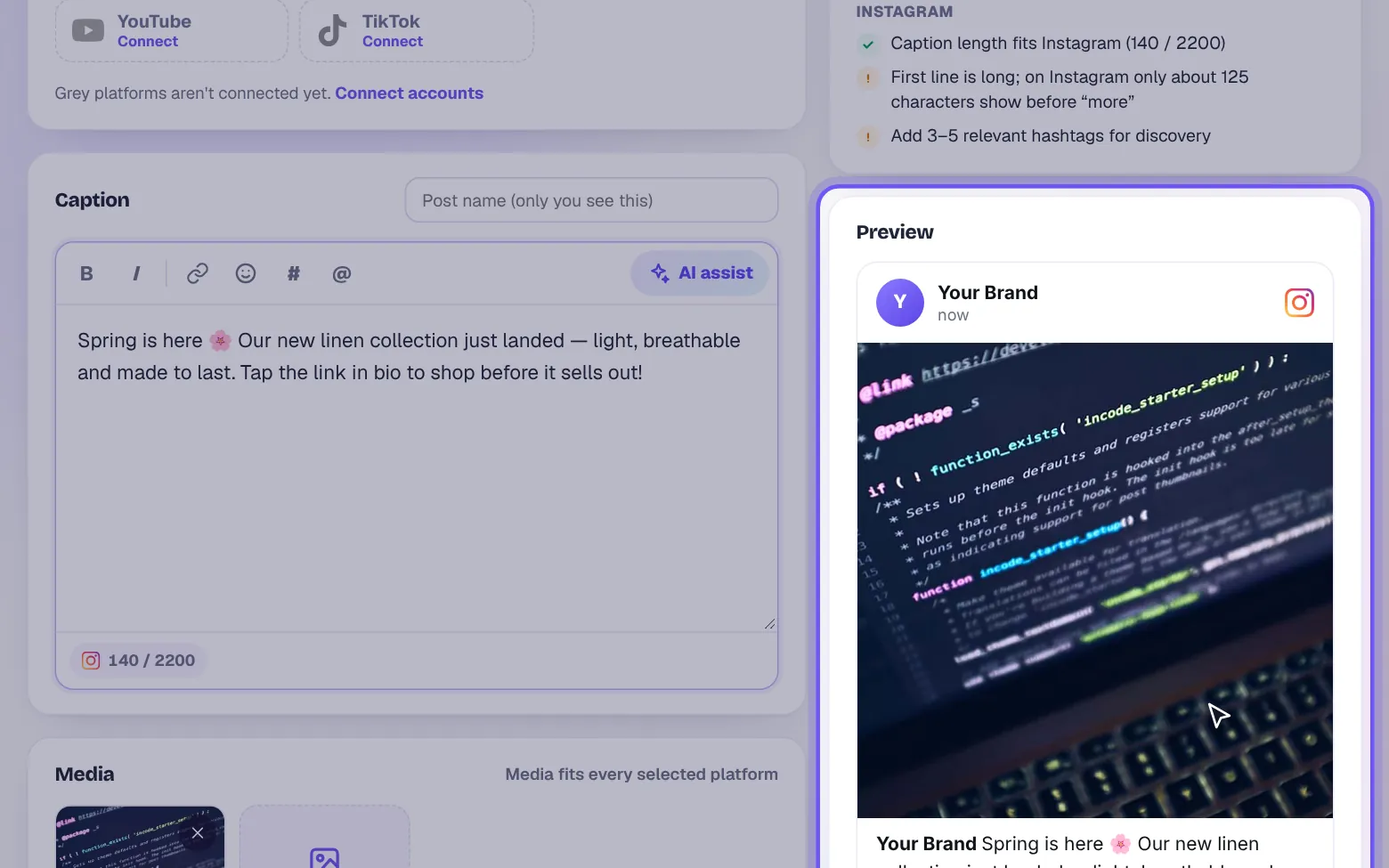
Add images or a video. “Ready to publish?” lists what each network still needs, and the preview shows the post as it will look.
Questions
Do single posts use my plan’s outputs?
Posts you write yourself are not counted as AI outputs. AI assist requests have their own monthly allowance, shown in the AI assist menu.
Where do my single posts appear?
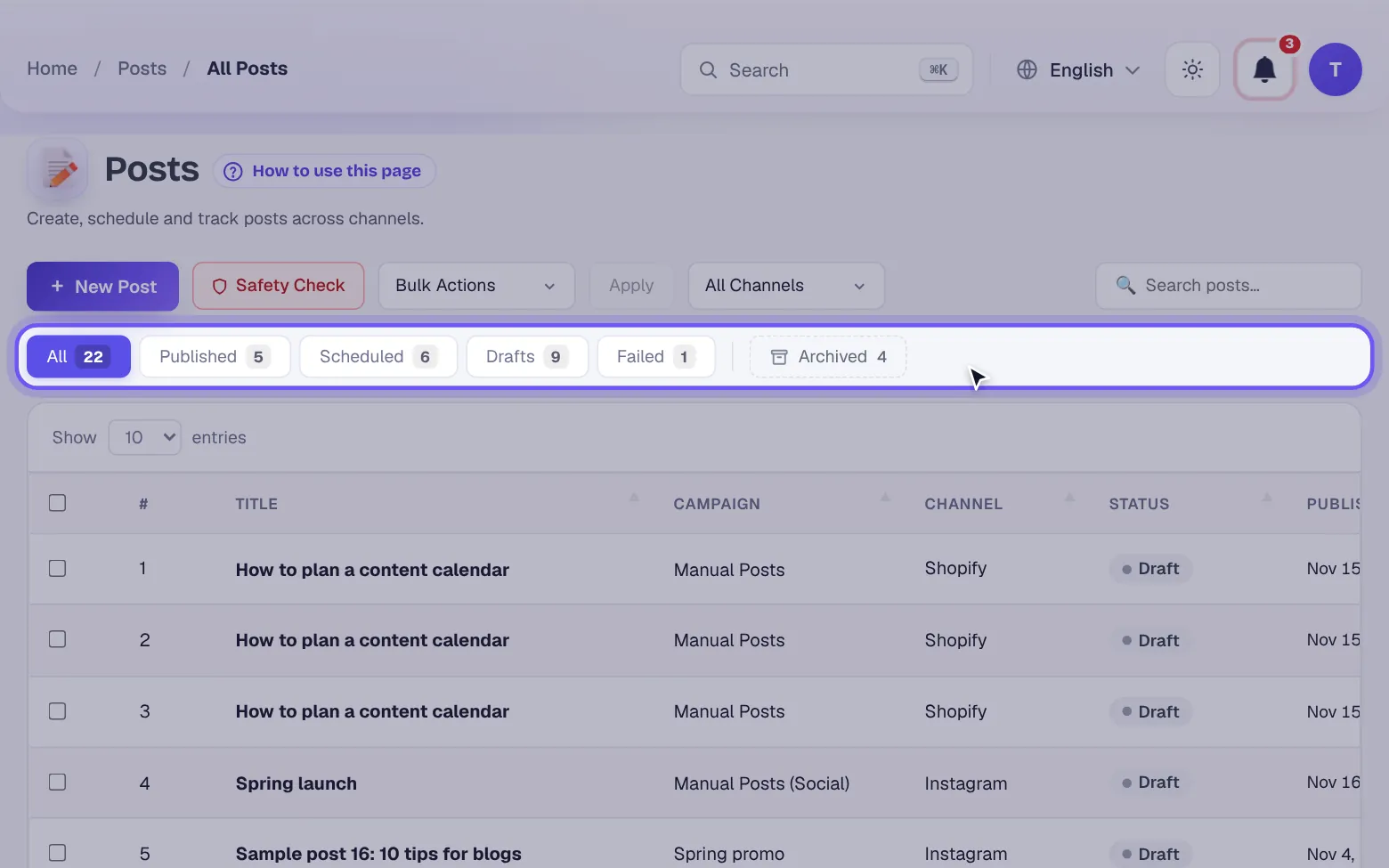
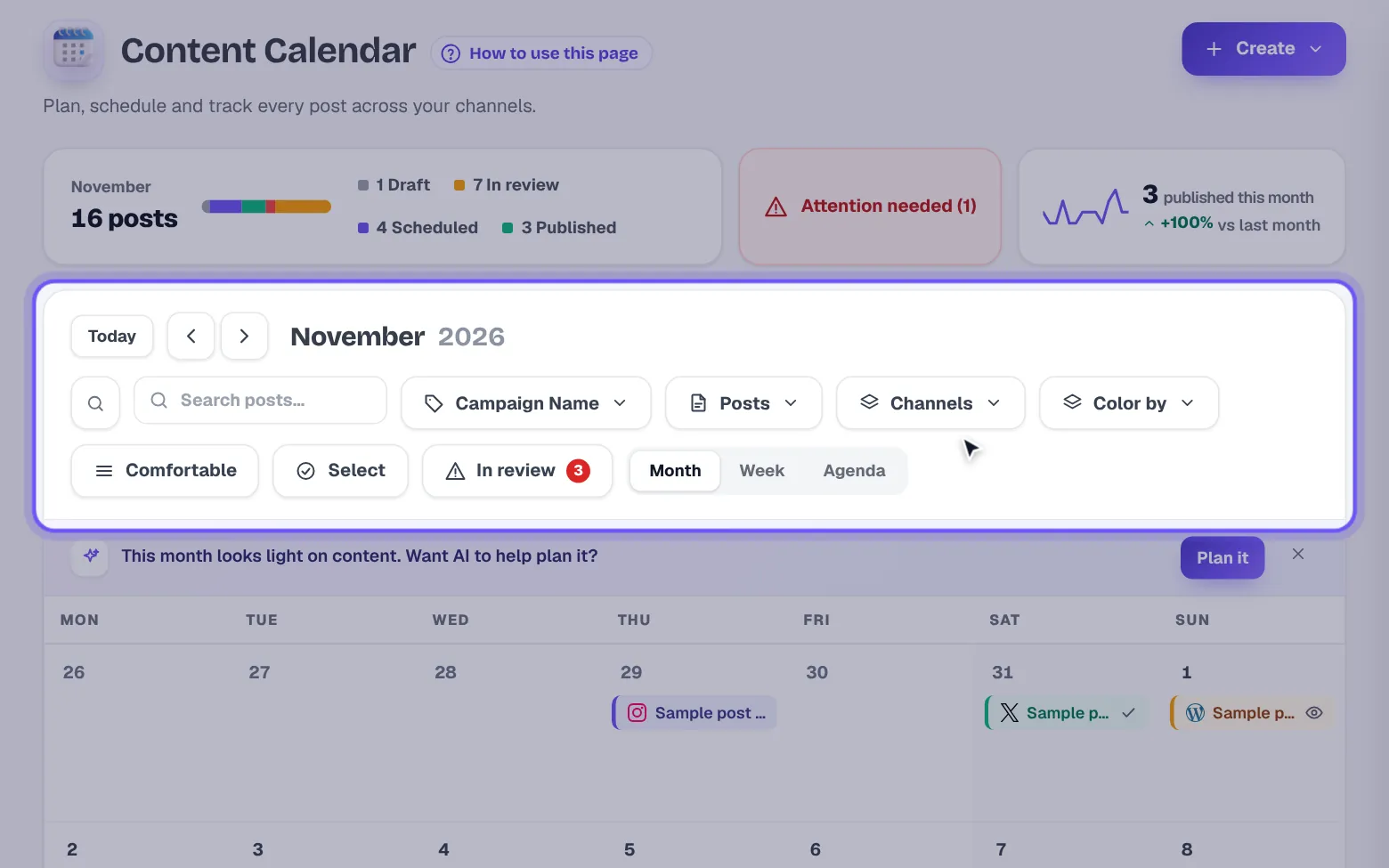
In Posts → All Posts and in the Content Calendar, under “Manual Posts”.