




WordPress Content Planning Guide: How to Build a Strategy That Actually Works
A solid WordPress content planning guide helps you stop publishing randomly and start building an audience deliberately. Content planning means deciding what to write, when to publish, and how each piece supports your SEO and business goals — before you open the WordPress editor. Done right, it turns a scattered blog into a traffic-generating machine.
Why Does Content Planning Matter for WordPress Sites?
Most WordPress site owners start with enthusiasm, publish a few posts, then go quiet for weeks. The result is an inconsistent archive that confuses both readers and search engines. Google rewards sites that publish regularly and cover topics with depth and authority. Without a plan, you end up writing whatever feels interesting that day — which rarely aligns with what your audience is actually searching for.
Content planning solves this by giving you a publishing schedule tied to real keyword research and audience needs. A common mistake is treating content planning as a one-time task. In reality, it's an ongoing process: you plan a batch of content, publish it, measure performance, and adjust. Even a simple 30-day editorial calendar dramatically reduces the mental load of running a WordPress blog because you're never staring at a blank screen wondering what to write next.
Beyond consistency, planning lets you build topic clusters — a group of related posts that link to each other and signal topical authority to search engines. For example, a WordPress tutorial site might have a pillar post on "WordPress SEO" with supporting posts on image optimization, permalink structure, and XML sitemaps. This internal linking structure is far more powerful than isolated posts on random subjects.
Step 1: Define Your Content Goals and Audience
Before you touch a keyword tool, get clear on two things: who you're writing for and what you want the content to achieve. Are you trying to drive organic traffic, build an email list, sell a product, or establish authority in your niche? Each goal shapes the type of content you should prioritize.
Create a simple one-paragraph audience profile. For example: "My readers are small business owners with basic WordPress knowledge who want to improve their Google rankings without hiring an agency." This profile acts as a filter — every content idea you generate should pass the test of "would my ideal reader find this genuinely useful?"
A practical tip: survey your existing readers or customers with three questions — What's your biggest challenge with [your topic]? What have you already tried? What would a perfect solution look like? The language people use in their answers is gold for keyword research and headline writing. You're not guessing what they need; they're telling you directly.
Step 2: Do Keyword Research the Right Way
Keyword research is the backbone of any WordPress content plan. A keyword is the phrase someone types into Google; your goal is to write content that matches that search intent well enough to rank. Free tools like Google Search Console, Google Keyword Planner, and Ahrefs' free keyword generator give you solid starting data without a paid subscription.
Focus on a mix of keyword types. Head terms (e.g., "WordPress SEO") have high search volume but fierce competition. Long-tail keywords (e.g., "how to add alt text in WordPress for SEO") have lower volume but much higher conversion rates because the searcher's intent is specific. For most WordPress blogs, 70–80% of your content should target long-tail keywords, especially in the early stages when your domain authority is still building.
Group your keywords by topic cluster before you start writing. A free spreadsheet works perfectly: one column for the keyword, one for monthly search volume, one for the assigned cluster, and one for the target post. This map becomes your editorial calendar's foundation. A common mistake here is targeting the same keyword with multiple posts, which causes keyword cannibalization — where your own pages compete against each other in search results and both rank lower as a result.
Step 3: Build Your Editorial Calendar in WordPress
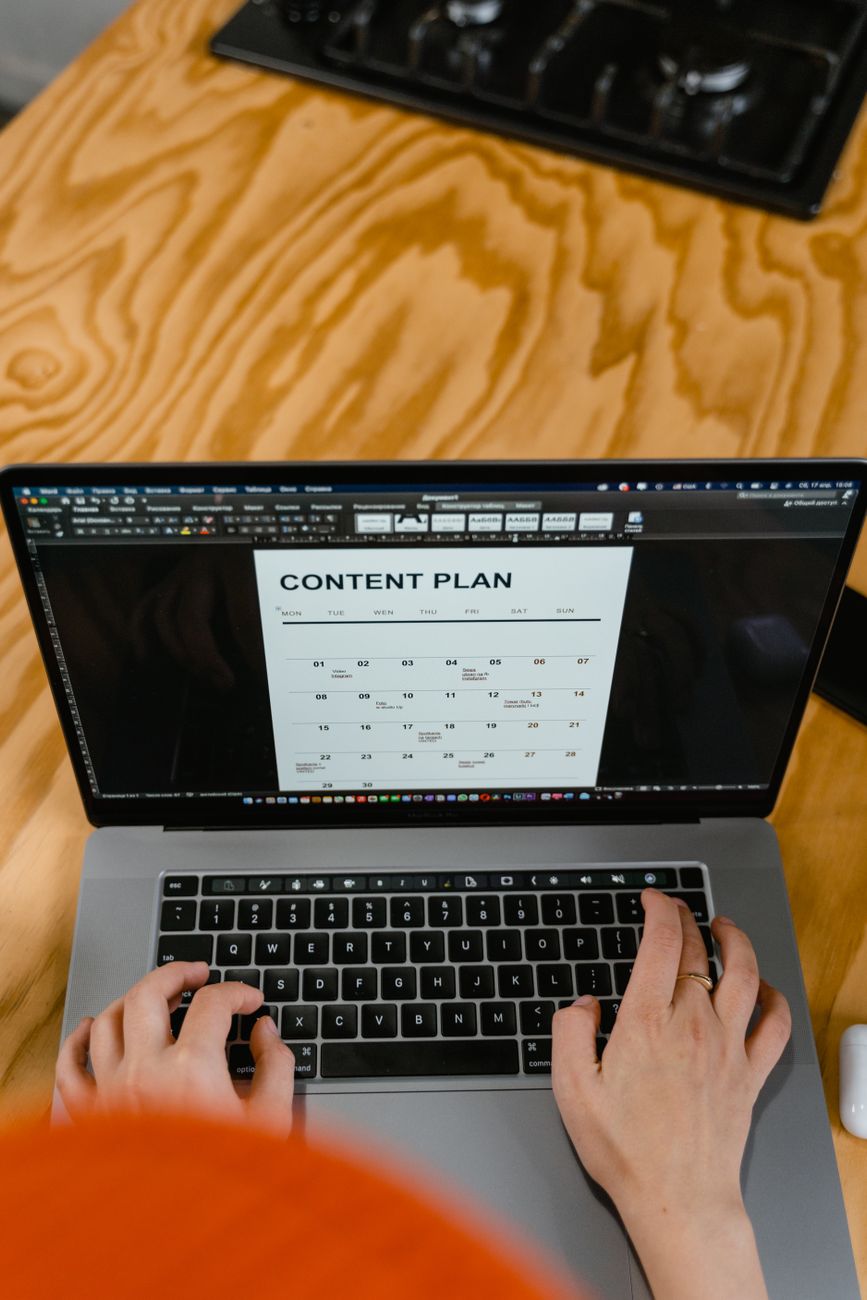
An editorial calendar is simply a schedule that maps your content ideas to specific publish dates. It doesn't need to be complicated. You can manage it with a free plugin like Editorial Calendar (available in the WordPress plugin directory), a Google Sheet, or a project management tool like Trello or Notion.
When building your calendar, plan in 4-week or 8-week sprints. Decide on a realistic publishing frequency — one high-quality post per week consistently outperforms three rushed posts one week and nothing the next. For each scheduled post, record: the target keyword, the content type (how-to, listicle, comparison), the target audience stage (awareness, consideration, decision), and the internal links you plan to include.
Here's a simple framework for a monthly WordPress content calendar:
| Week | Content Type | Target Keyword Example | Goal |
|---|---|---|---|
| Week 1 | Pillar / Long-form guide | WordPress content planning guide | Build topical authority |
| Week 2 | How-to tutorial | How to add categories in WordPress | Drive long-tail traffic |
| Week 3 | Listicle | Best free WordPress SEO plugins | Capture comparison searches |
| Week 4 | Case study or update | WordPress blog traffic results after 90 days | Build trust and E-E-A-T |
Step 4: Write Content That Matches Search Intent
Search intent is the reason behind a search query — what the user actually wants to find. Google classifies intent into four types: informational ("what is a WordPress slug?"), navigational ("WordPress login page"), commercial ("best WordPress themes for bloggers"), and transactional ("buy WordPress hosting"). Your content format must match the intent, or it won't rank no matter how well-written it is.
Before writing any post, search the target keyword yourself and study the top five results. Notice whether Google is showing step-by-step tutorials, listicles, or product pages. That's your signal. If all top results are listicles, writing a long-form essay won't outrank them. Match the format, then aim to be more thorough, more up-to-date, and more useful than what's already ranking.
A practical depth tip: every H2 section should answer a specific sub-question, open with a direct answer, and then expand with context, examples, and at least one actionable tip. Thin content — sections with a single paragraph that barely addresses the heading — is one of the most common reasons WordPress blogs fail to rank. According to a 2023 study by Backlinko, the average first-page Google result contains 1,447 words, but word count alone doesn't win — depth and relevance do.
Step 5: Optimize Each Post Before You Hit Publish
On-page SEO optimization is the process of making sure each post is structured so search engines can understand it. Install a free plugin like Yoast SEO or Rank Math — both provide real-time feedback on your keyword placement, readability, meta description, and internal linking as you write inside the WordPress editor.
Key on-page elements to check for every post: the target keyword appears in the title (H1), the first 100 words, at least one H2 heading, and the meta description (the short summary shown in search results). Your slug — the URL-friendly version of your post title — should be short and keyword-focused (e.g., /wordpress-content-planning-guide rather than /my-new-post-about-how-to-plan-content-on-wordpress-2024). Add internal links to at least two related posts on your site and one authoritative external source.
Don't forget performance. A slow page hurts both rankings and user experience. Use Google PageSpeed Insights or GTmetrix to check your post's load speed after publishing. Common culprits for slow WordPress pages include uncompressed images, too many plugins, and no caching layer. A free plugin like W3 Total Cache or LiteSpeed Cache can dramatically improve load times with minimal setup.
Is There a Faster Way to Execute Your Content Plan?
Here's where most content planners hit a wall: the strategy is solid, the calendar is built, but actually producing consistent, SEO-optimized posts every single week is exhausting — especially if you're running a WordPress site without a dedicated writing team.
This is exactly the problem that Publisha.ai is built to solve. It's an AI content automation platform that takes your target keywords, writes complete blog posts around them, and then schedules and publishes them directly to your WordPress site — as well as to Instagram and LinkedIn — all from a single dashboard. Instead of spending hours each week writing, editing, and scheduling, you can feed Publisha.ai your content calendar and let it handle the execution while you focus on strategy and growth. It's a genuine time-saver for solo bloggers, small business owners, and agency teams who need consistent output without burning out.
Step 6: Measure Performance and Refine Your Plan
Publishing content is only half the job. The other half is measuring what's working and using that data to improve your next planning cycle. Connect your WordPress site to Google Search Console (free) and Google Analytics 4 (free) if you haven't already. These two tools together tell you which posts are getting impressions, which are getting clicks, how long visitors stay, and which pages they exit from.
Review your content performance monthly. Look for posts that rank on page two of Google (positions 11–20) — these are your best quick-win opportunities. A targeted update with fresher information, better internal links, and a more compelling title can often push them onto page one within a few weeks. According to SEMrush's 2023 content audit research, updating existing content can increase organic traffic by up to 106% — often faster than writing brand-new posts.
Also track which content types perform best for your specific audience. Some WordPress niches respond better to video-embedded tutorials; others prefer detailed written guides. Let the data guide your format decisions over time rather than assumptions. Build a simple monthly review into your calendar: 30 minutes to check your top 10 posts, identify underperformers, and add update tasks to your next sprint.
Frequently Asked Questions
How often should I publish new content on my WordPress blog?
Consistency matters more than frequency. One well-researched, SEO-optimized post per week is more effective than daily thin posts. Start with a pace you can sustain for six months, then scale up once you have a reliable production process in place.
What's the best free tool for building a WordPress editorial calendar?
The free Editorial Calendar plugin (available in the WordPress plugin directory) gives you a drag-and-drop calendar view of your scheduled and draft posts. For more advanced planning, a free Trello board or Google Sheet works well and keeps your keyword data alongside your schedule.
How long should a WordPress blog post be for SEO?
There's no universal rule, but most top-ranking posts for competitive keywords are between 1,200 and 2,500 words. More important than length is depth — cover the topic thoroughly enough that the reader doesn't need to go back to Google. Match the length of the top-ranking results for your specific keyword.
What is a topic cluster and do I need one?
A topic cluster is a group of related posts — one broad pillar page and several supporting posts — that all link to each other. It signals topical authority to Google. If you're targeting a competitive niche, building topic clusters is one of the most effective long-term SEO strategies available to WordPress site owners.
How do I avoid keyword cannibalization on my WordPress site?
Keyword cannibalization happens when two or more of your posts target the same keyword, causing them to compete against each other. Prevent it by maintaining a keyword map (a spreadsheet assigning one primary keyword per post) and using Google Search Console to check if multiple URLs are ranking for the same term. If they are, consolidate the weaker post into the stronger one using a 301 redirect.
Can I automate my WordPress content publishing without losing quality?
Yes, with the right tool. AI platforms like Publisha.ai generate keyword-focused posts and publish them on a schedule to WordPress, so you maintain consistent output without writing every post manually. The key is to review and lightly edit AI-generated drafts to add your unique perspective and ensure accuracy before they go live.
If you want to maintain a consistent publishing schedule without a large team or a full-time writer, give Publisha.ai a try. It handles the writing, scheduling, and multi-platform publishing so you can stay focused on growing your WordPress site rather than scrambling to fill your content calendar every week.
0 Comments
No comments yet. Be the first to comment.
Leave a Reply
Your email address will not be published. Required fields are marked *